AI Furniture Matching: Shop the Exact Pieces in Your Design
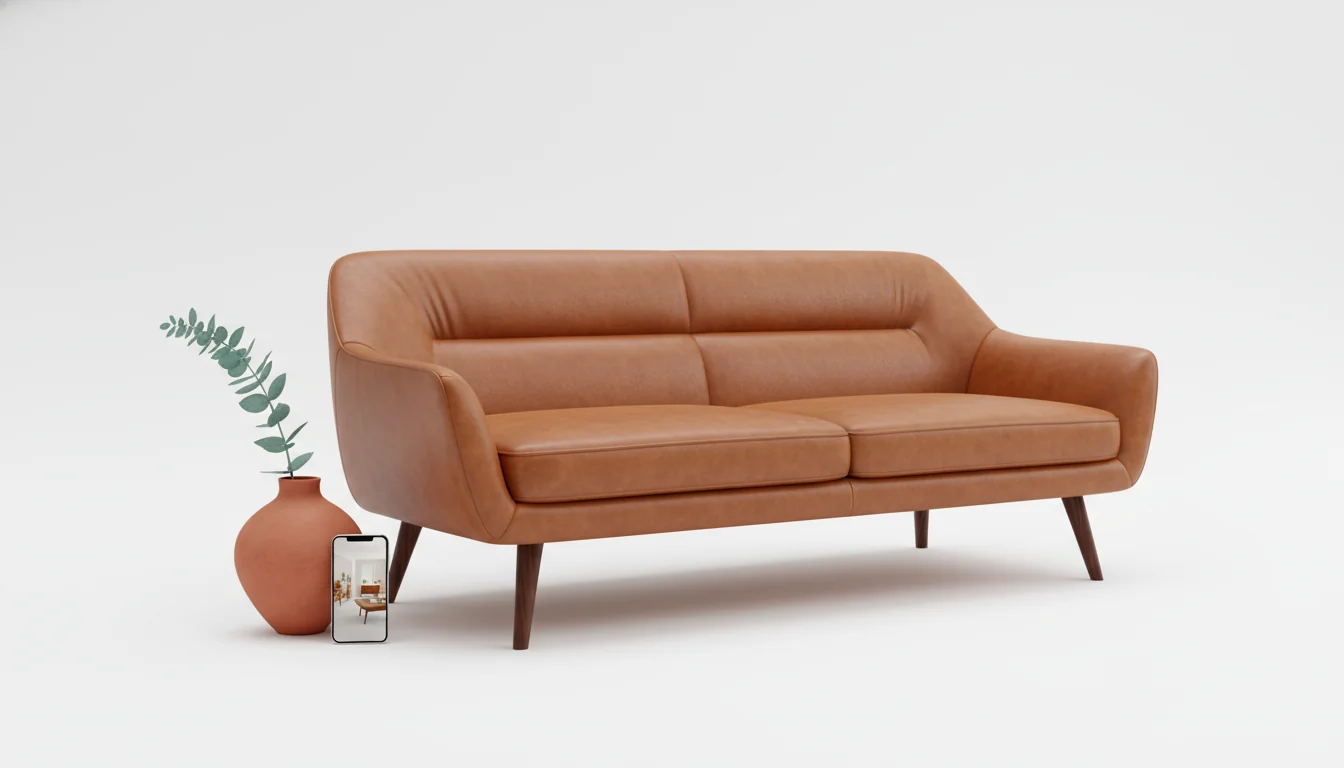
The render is gorgeous. The sofa is exactly right — long, low, cognac leather, brass legs. The rug looks expensive. The pendant glows the way you wanted. You stare at it on your phone for a full minute, and then a small voice in the back of your head says: okay, but where do I actually buy any of this?
This is the gap AI furniture matching is built to close. Generating a beautiful room is one problem. Turning that beautiful room into a checkout cart of real, in-stock, deliverable furniture is a completely different one — and until recently, the second problem was unsolved. You got a render. You got nothing to buy. You ended up on a furniture site half an hour later, scrolling through three hundred sofas trying to find the one in the picture.
In the past year that has changed. Modern AI design apps no longer stop at the render. They run a second pass — visual search, embeddings, retail catalog matching — to surface the actual products that match what they generated.
What is AI furniture matching? AI furniture matching is the step that comes after an AI room render. The model takes the furniture it just generated, encodes each piece as an image embedding, and searches a live retail catalog for the closest real, in-stock products. The output is a shoppable list — sofa, rug, lamp, side table — that mirrors the render at real prices and real lead times.
The “I love the render, now what?” problem
Generative interior design tools have gotten very good at the visual half of the job. You upload a photo of your room, you pick a style, the AI hands you back a magazine-ready scene. The temptation is to declare the problem solved.
It isn’t. The render is a destination. Most of us are standing at the start of the journey: empty Saturday, bookmarked render, no idea where to start.
The hidden tax of the old workflow is search. You’d see a sofa in the render, screenshot it, drop it into a reverse-image search, scroll through ten near-misses, click a product page, realize the dimensions are wrong, back out, try again. Forty-five minutes per piece, six pieces per room. The “AI saves you time” promise quietly evaporates.
AI furniture matching collapses that loop. Instead of you doing the search, the model — which already knows exactly what it generated — does the search before you ever ask. By the time the render finishes, the matches are queued up: each piece tagged with a price, a retailer, a stock status, and a delivery window. You tap the sofa, you see the real product, you add it to a cart. The path from “I love this room” to “I bought this room” stops being an afternoon-long scavenger hunt.
The reason this matters now and not five years ago is that the underlying tech finally lines up: visual search engines got precise, retailers opened up structured product feeds, and embedding models got cheap at inference time. AI furniture matching is what happens when you wire them together inside one app.
How AI furniture matching actually works
The two-line version is: the model embeds what it generated, then searches a catalog for the nearest neighbors. The longer version is more interesting, because the difference between “almost right” and “actually right” lives in the details.
When the render is finished, the AI furniture matching pipeline runs three stages on each piece:
- Object isolation. The model masks each piece of furniture out of the rendered scene — sofa here, rug there, pendant up top. This is the same semantic segmentation step used in AI furniture placement, repurposed for shopping.
- Image embedding. Every isolated piece is encoded into a high-dimensional vector by a model trained on millions of real product photos. The vector captures style, silhouette, color, material, proportion — far richer than tags or category labels.
- Catalog nearest-neighbor search. The vector is compared against pre-indexed embeddings for every product in the connected retail catalogs. The top matches come back ranked by visual similarity, then re-ranked by price, in-stock status, and shipping window.
The result: by the time you tap the sofa in the render, the app already has eight to twenty real products lined up that look meaningfully like it. For a deeper look at the families those products fall into, our furniture types and styles guide is the field reference.
What’s worth noticing about this pipeline is that none of it is magic. It’s the standard reverse-image-search recipe used across e-commerce, given a head start because the AI generated the source image and knows exactly what it tried to draw. (For background, the reverse image search Wikipedia article is a clean primer.)
Why visual search beats keyword search for furniture
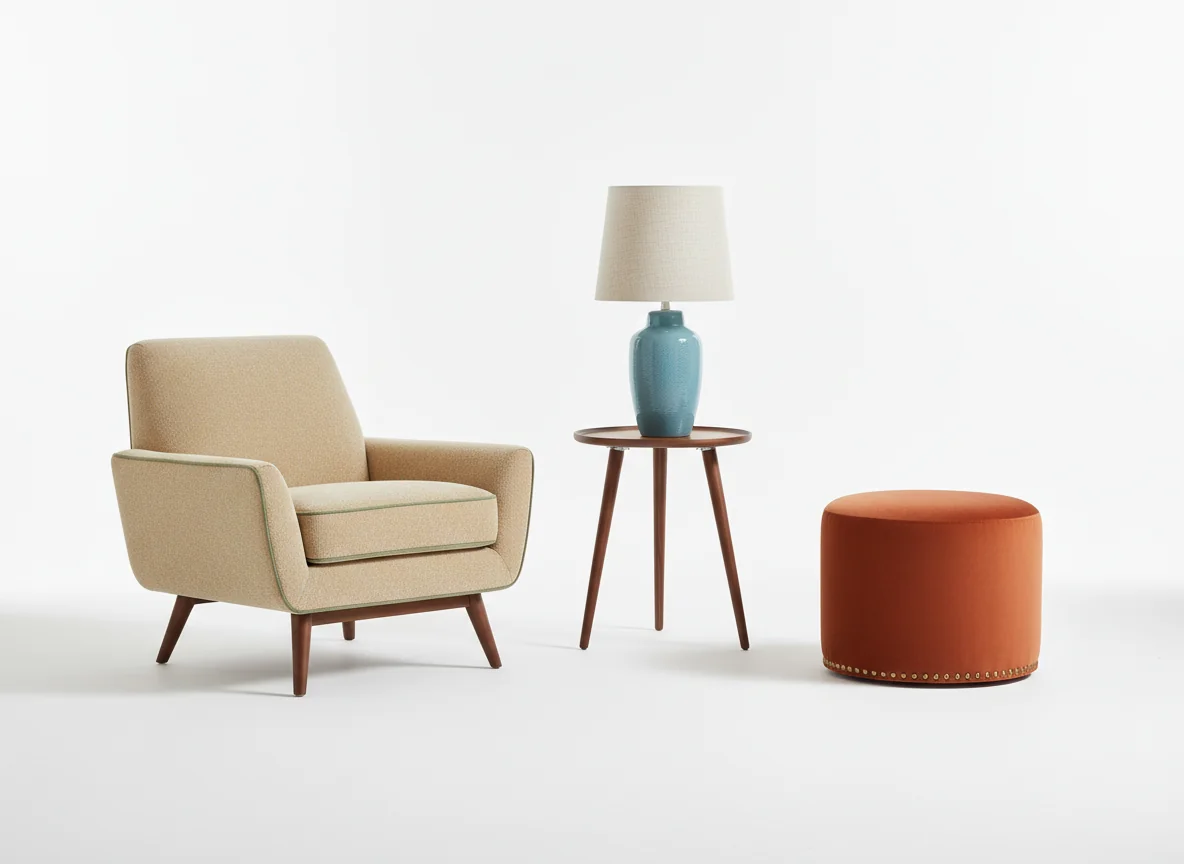
Keyword search collapses on furniture. “Mid-century cognac sofa with brass legs” returns three hundred results, half of them tan, a third with chrome legs, and a long tail of unrelated pieces that happen to mention “mid-century” in the metadata. Image embeddings reverse the order: the visual signal is primary, tags are tiebreakers. Two sofas that look 92% alike sit next to each other in the embedding space whether one is tagged “lounge” and the other “loveseat.” The matches surface in the order your eye would have ranked them.
Style consistency across matched pieces
A single matched sofa is easy. The hard problem is matching a room.
Furniture matching done badly hands back a great sofa, a great rug, and a great lamp from three different aesthetic universes. The render had a coherent palette. The shopping list does not. You buy the pieces. They arrive. Your living room looks like a thrift store.
Modern AI furniture matching solves this with a constraint pass. After each piece is matched independently, the system scores how well the proposed set hangs together as a group. The score considers:
- Color palette consistency — the warm-cool balance the render established, preserved across pieces.
- Material story — leather, wood, woven fabric, brass — kept in the proportions the render proposed.
- Scale relationships — sofa-to-coffee-table-to-rug ratios that read as one room, not three.
- Style era — mid-century pieces don’t get blended with farmhouse ones unless the render explicitly mixed them.
If a candidate set fails the consistency score, the system swaps in the second-or-third-best match for the offending piece and rescores. The version you see has been through that loop several times. The pieces that come back as a set will look like they belong in the same room because the matching engine refused the alternatives that didn’t.
This is the part where the old “shop the look” pages on retailer sites consistently failed. They matched piece by piece without scoring the set. AI furniture matching makes that group-level pass non-negotiable, which is what makes the cart you build feel curated rather than thrown together.
If your aesthetic skews intentionally restrained — fewer pieces, more breathing room — our modern minimalist home decor guide is a useful preflight read before you generate; the matching engine respects whatever spareness the render establishes.
Budget-aware matching
The other thing AI furniture matching has gotten right in the past year is money.
Early visual-search tools were aesthetic snobs. They returned the closest visual match regardless of price, which often meant a $4,800 sofa from a designer brand when the user had budgeted $1,200 for the entire room. The match was visually perfect and economically useless.
Budget-aware matching adds a second axis. You set a target spend — total room budget, or per-piece caps, or both — and the engine re-ranks results so that the curated set fits inside the envelope. The way it does this is worth understanding because it shapes what you’ll see:
| Budget mode | What the matcher optimizes | Best for |
|---|---|---|
| Total room cap | Maximizes overall visual similarity subject to a sum constraint | One-shot redesigns where the total matters more than any single piece |
| Per-piece cap | Visual similarity within hard limits per category | Mixing splurge anchor pieces with budget supporting cast |
| Closest match, ignore price | Pure embedding distance | Reference scouting and “show me what perfect looks like” mode |
| Hybrid (anchor + budget) | Splurge on the sofa, optimize cost on everything else | Most realistic for first-apartment and couple-move-in budgets |
The hybrid mode is the one most people reach for once they’ve used the tool a couple of times. You pick one or two anchor pieces — the sofa, usually, sometimes the rug — and let the engine economize on the supporting cast.
Budget mode trades visual fidelity for price — the closest match to a $3,800 designer sofa might be 88% similar at $2,200, or 78% similar at $1,000. The similarity score is on every match card, so the tradeoff is explicit: if the gap matters, splurge; if it doesn’t, save.
Matching for small spaces and odd proportions
Not every room is a 14-by-18 living room with a focal-point fireplace. AI furniture matching has to work for studios, alcoves, weird hallways, and lofted bedrooms with sloped ceilings — and the way it does that is by treating dimensions as a hard filter, not a soft preference.
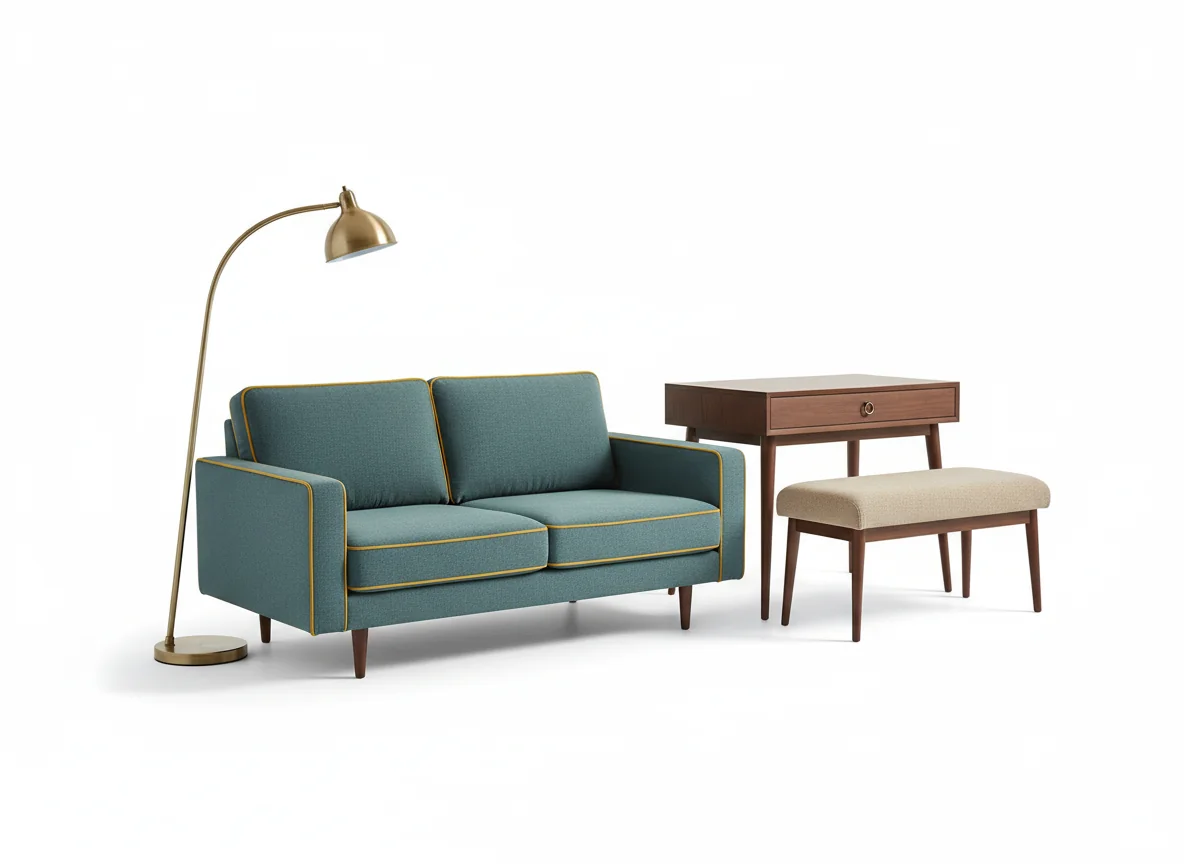
When the room model in the render shows a sofa in a 9-foot wall, the matcher applies a hard cap: only sofas under 84 inches wide come back. When the render places a desk in a 22-inch-deep alcove, only desks under 22 inches deep are eligible. This is the part that, in our hands-on testing throughout the past year, has been the difference between an AI matching tool you trust and one you use once and abandon.
The pieces filtered out at this step include some of the visually closest matches. That feels wrong at first — but that sofa looked perfect, why isn’t it in the list? — until you realize the filter is what stops you from buying a 94-inch sofa for a 90-inch wall. Visual perfection means nothing if it doesn’t fit through the door.
A few proportions worth knowing because the matching engine quietly enforces them:
- Apartment-scale sofa: under 84 inches wide, under 36 inches deep. Must clear most pre-war doorways and turn into most one-bedroom apartments.
- Compact dining table: 36 inches diameter or 30-by-48 inches rectangular. Seats four, fits in 8-by-10-foot dining nooks.
- Slim profile desk: 22 to 24 inches deep. Works against a wall in a bedroom without dominating the room.
- Apartment bed: full or queen. Kings get filtered out of rooms under 11 feet wide.
If you’re working with a tight footprint, our best furniture for small apartments deep-dive lays out the dimensions in detail. The matching engine respects every one of them. You won’t see oversized pieces in your results because the engine eliminated them before you ever saw the list.
L-shaped living rooms, walk-through dining rooms, and lofted bedrooms with sloped ceilings get the same hard-filter treatment, with the model picking whichever dimension matters most per piece — longer wall for a sofa in an L-shape, headboard height for a bed under a slope. The 2025–2026 generation handles non-rectangular rooms substantially better than earlier ones because the underlying room reconstruction reads true 3D rather than assuming a box.
What to do when the exact piece is unavailable
Sometimes the matching engine returns a perfect product that’s out of stock, discontinued, or only ships to a country you don’t live in. This is the frustrating endgame of any furniture shopping experience, and it’s worth knowing how AI furniture matching handles it.
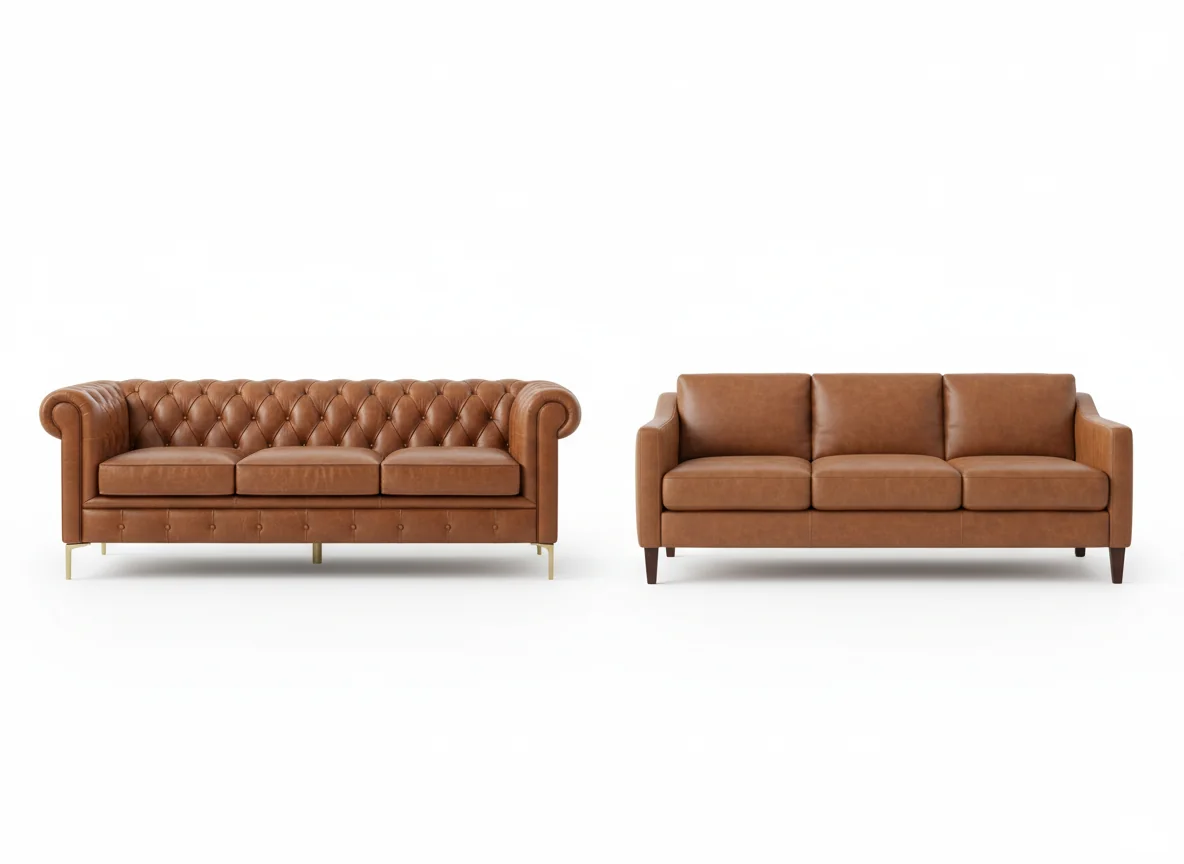
The default behavior for most apps now: surface the next three closest visual matches when the top one is unavailable. The substitution logic is the same as the primary match — embedding distance, palette consistency, dimensional fit — applied to the second tier of candidates. Score-wise, you typically lose 5–10 percentage points of visual similarity per substitution. In our testing, that’s roughly the gap between “indistinguishable in a render” and “noticeably different but still in the same family.”
A few practical patterns when you hit an unavailable piece:
- Take the second match if the score gap is under 5%. It’s effectively the same piece in a slightly different colorway or by a different brand.
- Wait if the gap is over 15%. The substitutes aren’t close enough; check back in two to four weeks, especially if the original is from a major retailer that restocks regularly.
- Re-render with a tweak if nothing under the original’s score band is in stock. Adjust the material or finish in your prompt — “boucle instead of leather” — and the matcher gets a fresh pool of candidates.
Matching can’t conjure inventory that doesn’t exist. What it does is make the substitution decision explicit — ranked, scored, and presented with similarity numbers — so you make a faster, better-informed call.
Frequently Asked Questions
How accurate is AI furniture matching at finding the exact piece in a render?
For pieces from major retailers, accuracy is high — the top match typically clears 85% visual similarity, and the human eye reads the render and the product as the same item. Accuracy drops for highly stylized rendered pieces that don’t have a real-world counterpart. In those cases, the engine returns the closest available family of products and flags the similarity score so you know how literal a match it found.
Does AI furniture matching work with the existing furniture I’m keeping?
Yes. Pin the pieces you already own as fixed, and the engine treats them as constraints — the rest of the matched set is selected to look right next to them. Most current apps also let you upload reference photos of the keepers so the consistency pass can score against the real materials and not against an AI guess at what those pieces look like.
Will the prices and stock status I see actually be live?
In most current apps, yes — the prices and stock signals come from retail product feeds that refresh daily or hourly. That said, lead times shift, especially for upholstered furniture which is often made-to-order. Treat the price as live and the delivery window as approximate. Click through to the retailer for binding numbers before you check out.
What if my budget changes mid-search?
Adjust the cap and re-rank — the engine reshuffles in seconds. The matched set you saw before doesn’t disappear; it’s reranked by the new budget rule. If you raise the cap, you’ll see closer visual matches at the top. If you lower it, the supporting cast tightens up while the matcher tries to keep at least one anchor piece near the original.
Can AI furniture matching find vintage or secondhand pieces?
Increasingly, yes. The newer matching engines include marketplace inventories — vintage retailers, secondhand platforms, even regional auction sites — alongside new-furniture catalogs. The catch is that secondhand inventory is often one-of-one, so a great match today may be gone tomorrow. If you find a vintage piece you love in the matched set, it’s worth checking out faster than you would a mass-produced item.
How does AI furniture matching compare to “shop the look” pages on retailer sites?
Retailer “shop the look” pages match within one brand’s own catalog, which means the look is bounded by what that brand happens to stock. AI furniture matching searches across retailers, which expands the match pool tenfold or more — and it scores set consistency rather than relying on a stylist’s manual pairings. The practical difference: retailer pages give you their best from their inventory; AI matching gives you the best across everyone’s inventory.
Render a room. Buy the sofa. Done.
The render was always meant to be the start of the project, not the end of it. AI furniture matching is what makes the render actionable — the rug, the lamp, the credenza, all linked to real products you can put in a real room next month.
RoomGenius runs the matching pipeline described here on every render: object isolation, image embedding, budget-aware nearest-neighbor search across connected catalogs. You generate the room, you tap the sofa, you see what to buy. Try it on iPhone or Android. Render a room. Match a cart. Stop scrolling.