AI Furniture Placement: Stop Guessing Where the Sofa Goes
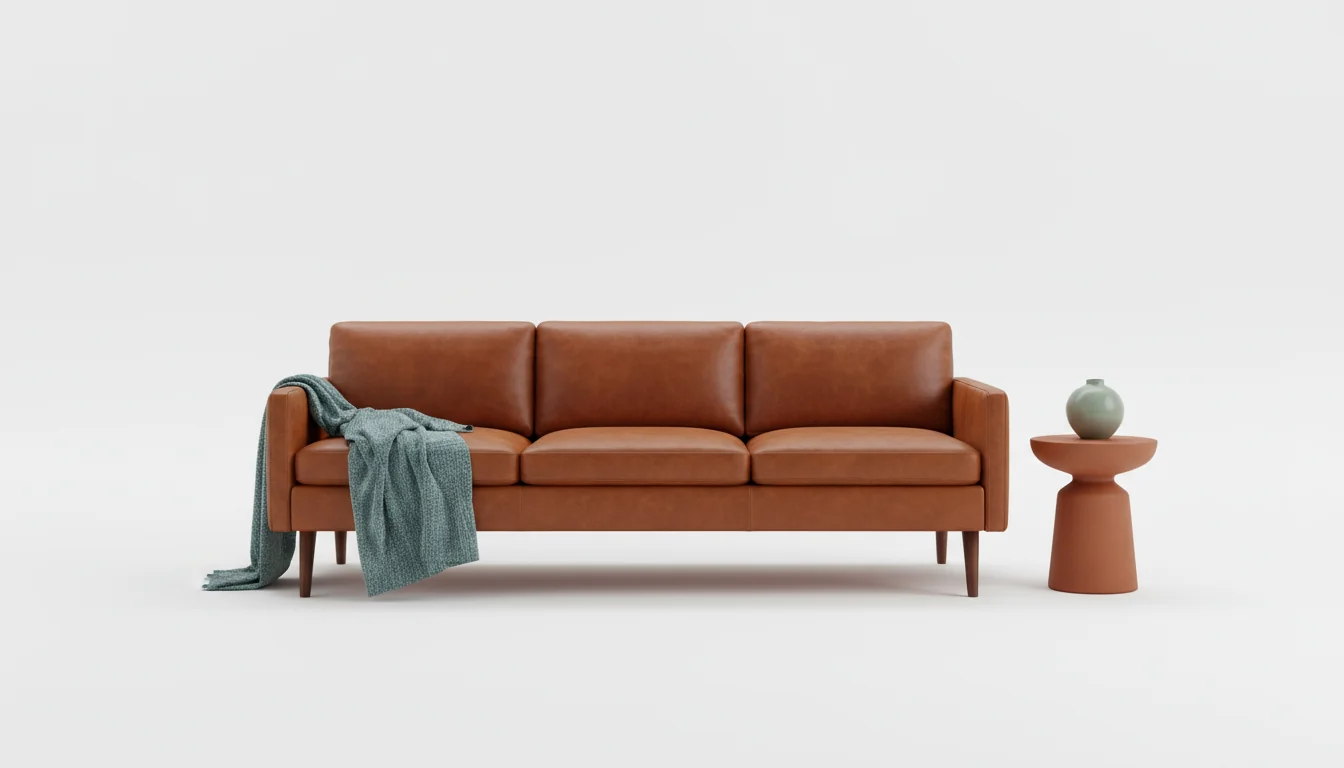
The sofa is in the wrong place. You know it the second you sit down — your knee clips the coffee table, the TV glares against the window, and the only path from the kitchen to the front door cuts straight through the rug. You’ve shoved the same five pieces around for an hour. Nothing works.
This is the problem AI furniture placement is built to solve. Instead of pushing furniture by hand and hoping for the best, you hand a photo of your room to an AI model. It reads the dimensions, finds the focal point, traces the traffic paths, and proposes a layout that actually behaves like a room people live in.
We’ve spent the past year watching first-time homeowners and people mid-move test these tools. The pattern is consistent: the AI catches what the human eye glosses over — window glare on the only logical TV wall, a baseboard heater behind your bookshelf spot, a doorway swing that eats six inches of clearance. The result isn’t a perfect room. It’s a room with the dumb mistakes already filtered out.
What is AI furniture placement? AI furniture placement is software that analyzes a photo or sketch of a room and proposes furniture layouts using rules from interior design — focal points, traffic flow, clearances, and sightlines. It treats the room as geometry plus light plus circulation, then surfaces arrangements that don’t break a rule.
If you’re moving into a first home, relocating furniture, or just tired of pushing the couch around, this is the cheat code. Below: what AI actually measures, the two non-negotiable rules it enforces, the right way to place a sofa, bed, dining table, and desk — and what to do when the AI layout still feels off.
What AI Actually Measures From a Photo
The trick to AI furniture placement is that the model isn’t looking at your room the way you do. It’s looking for geometry.
A modern interior-design model runs three passes on your upload. First, monocular depth estimation turns the 2D photo into a rough 3D map — each pixel gets a distance from the camera. Second, semantic segmentation labels every region: floor, wall, window, door, fireplace, existing sofa, outlet, vent. Third, room reconstruction stitches those into floor and wall planes with approximate dimensions.
The output is a usable internal model: a 12-by-15-foot room with a 36-inch doorway on the south wall, a 60-inch window on the east wall, fireplace centered on the north. From there the AI can drop furniture in and check whether anything fits, blocks, or overlaps.
What surprises first-time users is how much of this works from one good photo. No tape measure. No dimension entry. The 2025 generation of these models calibrates against known objects in the frame — a standard outlet plate, a doorway, an interior door — and gets within a few inches on the major walls. Not perfect, but close enough that proposed layouts respect real clearances.
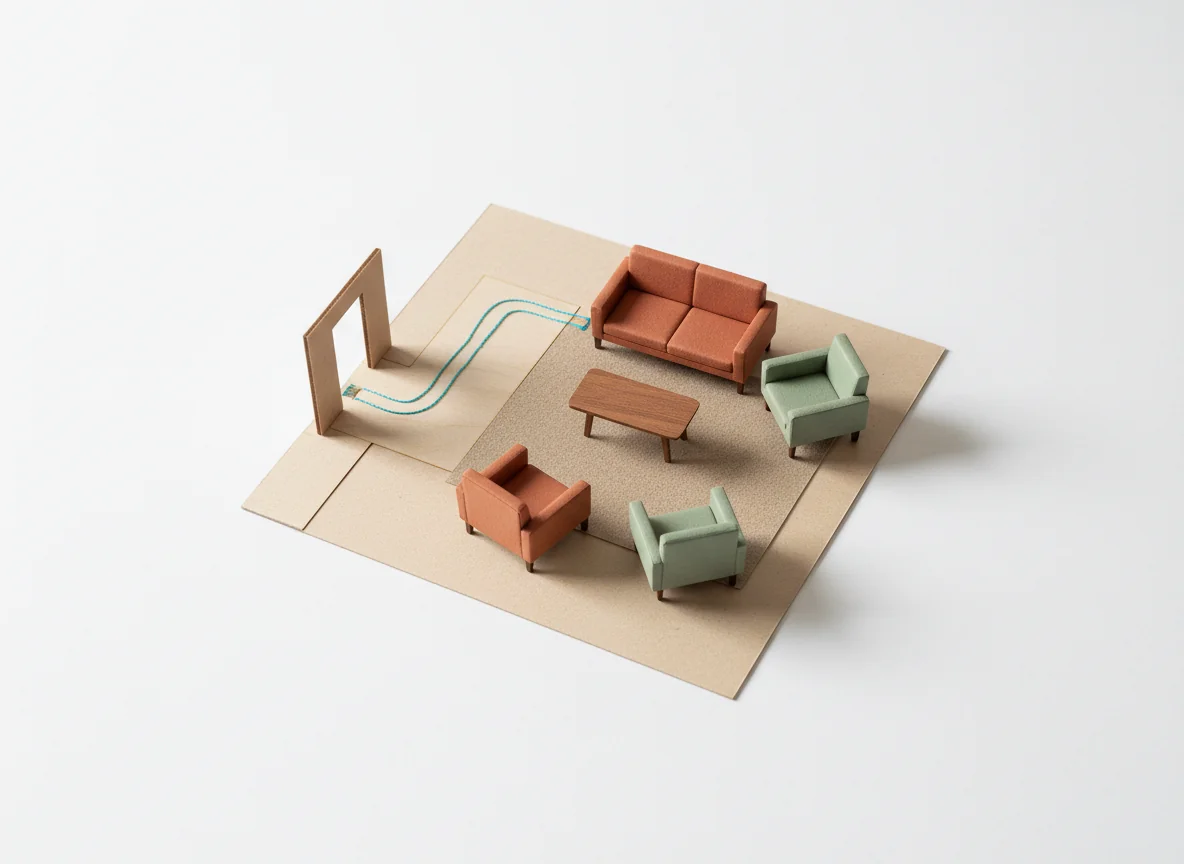
Six things the AI flags that humans miss
Half the value here isn’t the layout — it’s the analysis pass. In our testing, AI furniture placement reliably notices:
- Outlet positions, so the lamp doesn’t end up six feet from a plug.
- Window glare angles, so the TV doesn’t fight the afternoon sun.
- Door swing radii, so the closet still opens after you push the dresser in.
- HVAC vents under furniture, which kill airflow and dry out joinery.
- Radiators and baseboard heaters, which most layouts ignore until winter.
- Sightline blocks between rooms, which kill how big a small home feels.
That last one is the quiet killer. A good layout preserves the visual line from the entry through to the back of the house. AI catches this because it sees the whole reconstructed space at once.
Focal Point + Traffic Flow: The Two Rules AI Enforces
Almost every AI layout rests on two non-negotiable principles — the rules a designer applies first, and the rules that fall apart when you arrange by gut feel.
Rule 1: Anchor to the focal point
Every room has a natural focal point — the thing your eye lands on when you walk in. In a living room, it’s the fireplace, a big window, or the TV wall. In a bedroom, it’s the headboard wall. In a dining room, it’s the table itself, lit from above.
AI tools detect this automatically. The fireplace is segmented and weighted heavily. A wall-sized window gets weighted by area. A blank wall opposite the entry gets weighted because it’s the first thing seen on arrival.
Once the focal point is locked, the AI orients the largest piece toward it. Sofa faces fireplace. Bed faces the entry door. Dining table sits centered under the pendant. Sounds obvious — but the room you’ve been pushing furniture around in for the last hour probably violates it, because you ran out of patience and shoved the sofa where it fit.
Rule 2: Protect the traffic paths
The second rule is invisible until you break it. People move through a room in roughly the same paths every day: front door to kitchen, kitchen to dining table, sofa to bathroom, bed to closet. AI traces those paths between the room’s entry and exit points and refuses to put furniture across them.
The standard clearance is 30 to 36 inches of unobstructed walking width. Less and the path feels pinched. More and you’ve wasted floor area.
Done well, traffic flow is invisible. Done poorly, it’s the thing your guest apologizes for as they step around your ottoman to reach the bathroom.
For a deeper read, our guide to arranging living room furniture walks through the same rules from first principles. The AI is automating that workflow, not replacing it.
Sofa Placement: Centered, Floating, or Against the Wall
The sofa is the test case for any AI furniture placement tool. It’s the largest piece in most living rooms, the one that anchors everything else, and the one people get most wrong.
Modern AI tools generally suggest one of three sofa positions, depending on what the room reconstruction shows:
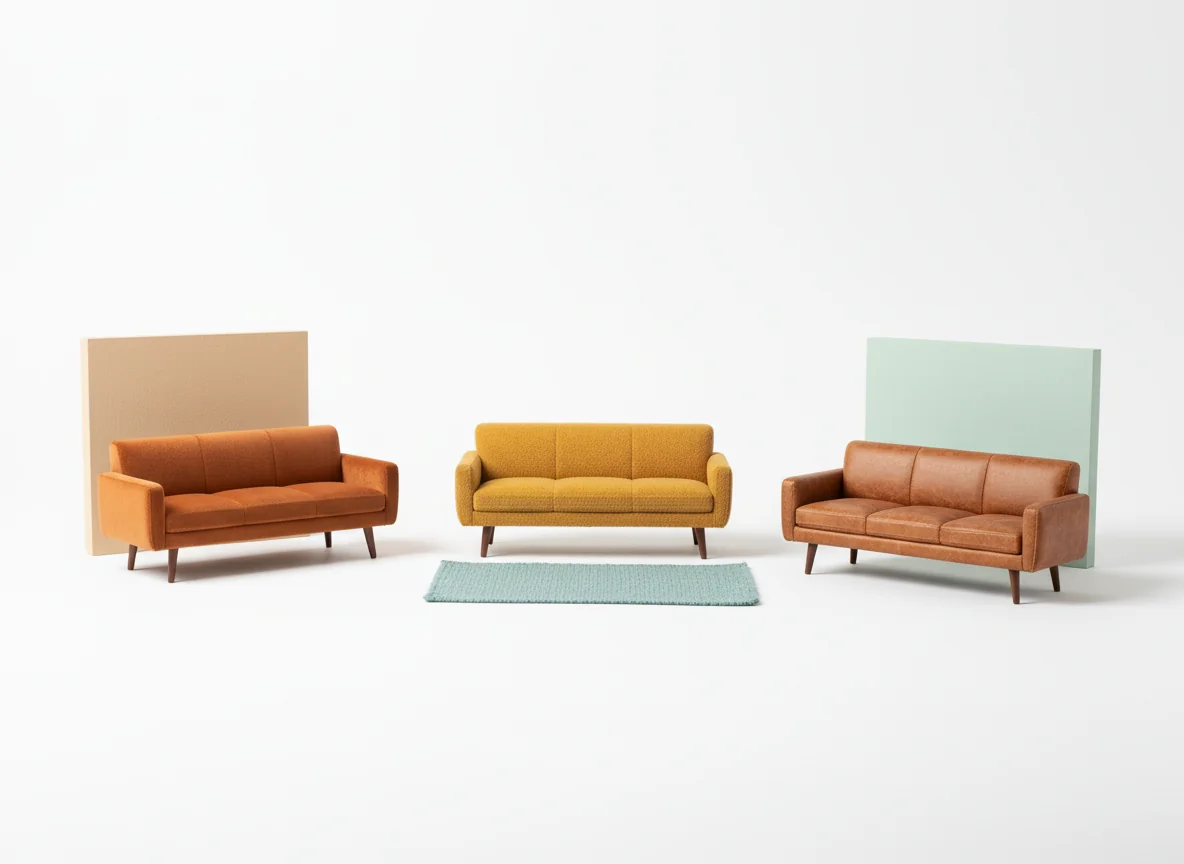
1. Floating in the room (the designer’s pick, usually)
A floating sofa sits a foot or two off the back wall, anchored by a rug and facing the focal point. AI defaults to this in any room larger than about 12 by 14 feet with a clear focal point on one wall. The catch: it requires real square footage. The AI checks the depth from back wall to focal point and won’t propose a floating arrangement if the walkway behind the sofa drops below 24 inches.
2. Centered against a wall
In a smaller room, or one where the only long unbroken wall faces the focal point, AI pushes the sofa flush to that wall. The workhorse arrangement — predictable and space-efficient. Also what the AI proposes when the room is awkwardly shaped or doorways break up most walls.
3. Sectional in a corner
For L-shaped or U-shaped rooms, AI commonly proposes a sectional tucked into the longest interior corner, with the open side facing the focal point. The sectional doubles as a soft wall — it defines the seating zone without blocking sightlines.
Whichever it picks, the AI locks the coffee table 14 to 18 inches off the front of the sofa, places a side table within reach of any armchair (within 2-3 inches of the arm), and confirms the rug extends at least under the front legs. Not preferences — constraints.
Bed Placement and the Unbreakable Rules
Bedrooms are where AI furniture placement really pays off, because the rules are stricter and the consequences of breaking them are louder. A bed in the wrong place is something you feel every morning.
The non-negotiables AI enforces:
- The headboard goes against a solid wall, never under a window. Window placement creates draft, glare, and a perception of instability that messes with sleep.
- The bed should not align with the door in a direct line. The bed gets offset from the doorway sightline whenever the room geometry allows.
- At least 24 inches of clearance is preserved on each side of the bed, with 30 inches on the primary access side. Below 24 inches, the path becomes a squeeze.
- The bed should not block a closet, a dresser drawer pull, or an HVAC vent. The model checks all three.
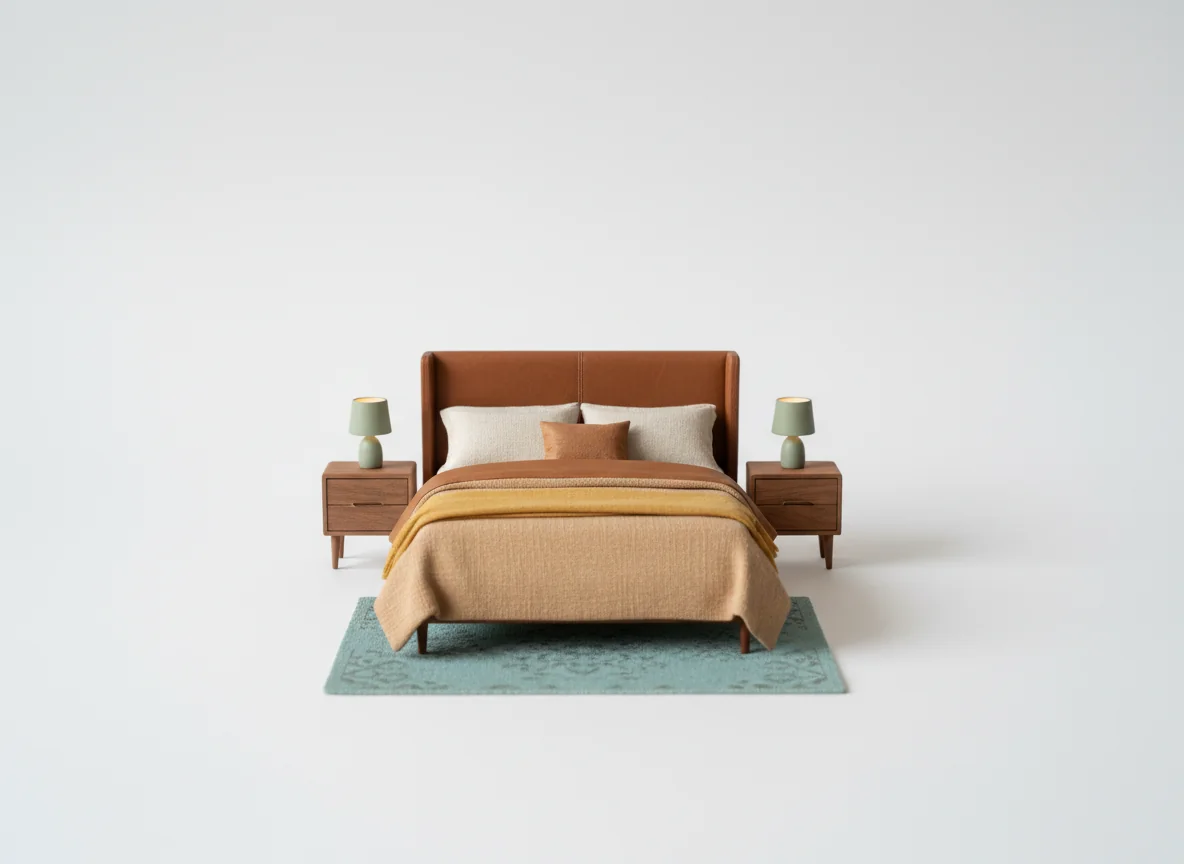
When the AI has a square or near-square bedroom to work with, it almost always centers the bed on the longest unbroken wall and pairs it with two matching nightstands. When the room is irregular — a window dominating the obvious headboard wall, a door swing eating the corner — the AI shifts to its second-rank rules: push the bed off the window, accept asymmetric nightstands, or propose a perpendicular orientation if that’s the only way to preserve clearances.
For a deeper walkthrough, our bedroom layout planning guide goes through the same logic by hand. Worth reading once before you let an AI do it for you.
Dining and Desk Placement
Dining and home-office layouts are where AI’s photogrammetric pass earns its keep, because both have lighting constraints that are easy to miss with the naked eye.
Dining tables
The first thing AI checks is the pendant or chandelier center. Most dining ceilings have a pre-existing electrical box, and the table needs to sit directly under it — or the table looks crooked even when it’s perfectly aligned with the walls. The model finds the fixture in the photo and uses it as the anchor.
From there it enforces clearances: 36 to 42 inches between the table edge and the nearest wall for comfortable chair pullback. In smaller dining areas it will swap a rectangular table for a round one or recommend a table 12 inches narrower than you specified, because the math otherwise doesn’t work.
Desks and home offices
Desk placement has a different priority order. The AI enforces, in this rough order:
- Window light from the side, not behind, to avoid camera-glare backlighting on video calls.
- Outlet within 6 feet without crossing a walkway.
- At least 36 inches of chair-pullback clearance behind the seat.
- Visual separation from the bed, if the desk is in a bedroom — usually solved with a bookshelf or a screen.
The “window from the side” rule is the one most humans break and most AI models catch. A desk facing the window blasts glare into the screen. A desk with the window behind it ruins every video call. Side light is the only setup that works for both.
When AI Layouts Fail and How to Fix Them
AI furniture placement has real failure modes. We’ve seen all of these in production over the past year, and the fix is usually the same: better input.
The common failures, in rough order:
- Bad initial photo. A photo at an angle, or with the lens at the wide end, gets the geometry wrong and the layout with it. Stand in the longest corner, hold the phone vertically at chest height, and capture the full opposite wall in one frame.
- Hidden constraints. The AI doesn’t know your toddler crawls under the dining table or that the dog’s water bowl lives in the corner. Tell it. Most modern tools accept text constraints like “leave a 4-foot zone open near the back door.”
- Existing furniture you’re keeping. If you didn’t pin the keepers, the AI will propose layouts that require you to buy a new sofa.
- Overconstrained rooms. A 9-by-9 bedroom with a closet on every wall has roughly two layouts that work. If both feel wrong, the issue is the room, not the model.
The honest test: if the AI proposes three layouts and they all feel wrong, the constraint you forgot to mention is probably the problem. Re-shoot, list the keepers, run it again.
Before you ever upload a photo, our guide to measuring a room for furniture walks through the manual version. Knowing the numbers makes you a better editor of the AI’s output.
A Quick At-a-Glance Reference
The constraints that AI furniture placement applies, condensed into a single table:
| Element | Clearance the AI enforces | Why it matters |
|---|---|---|
| Walking path width | 30–36 inches | Below 30, the path feels pinched. Above 36, you’ve wasted floor. |
| Sofa to coffee table | 14–18 inches | Reach distance for a drink without bumping a knee. |
| Side table to sofa arm | 2–3 inches | Lamp and book are usable without leaning. |
| Conversation distance | 3.5–10 feet | Closer than 3.5 feels invasive; farther than 10 is shouting. |
| Bed side clearance | 24 inches min, 30 preferred | Below 24 is a squeeze; 30 lets you make the bed. |
| Dining edge to wall | 36–42 inches | Chair pullback without scraping the wall. |
| Desk window relation | Side light, not front or back | Eliminates screen glare and video-call backlighting. |
These aren’t preferences. They’re the rules a designer applies first, and the AI treats them as hard constraints. If a proposed arrangement violates one, the model rejects it before showing it to you.
For a broader catalog of layout templates that respect these rules, our room layout ideas roundup is a good companion.
Frequently Asked Questions
How accurate is AI furniture placement from a single photo?
Modern interior-design models are accurate to within a few inches on the major walls when given one good photo. They calibrate against known objects in the frame — outlets, doorways, standard appliances — to estimate scale. Accuracy drops with extreme angles, the wide end of the zoom range, or rooms with no reference objects. For most living rooms and bedrooms, one well-shot photo generates layouts that respect real clearances.
Can AI furniture placement work with my existing furniture?
Yes. Upload a photo, identify which existing pieces you want to keep, and let the AI build the layout around them. Most current tools accept text constraints like “keep the navy sectional and the walnut sideboard.” The AI then proposes layouts that include those pieces and only suggests new ones to fill gaps. Pinning the keepers first prevents layouts that would require you to replace everything you own.
Does AI furniture placement replace an interior designer?
No, but it replaces the first three hours of one. An AI tool handles the repetitive parts — clearance math, traffic flow, focal-point alignment — that take a designer about an hour per room to work through manually. What AI doesn’t replace is taste, mood, and the human judgment about what kind of life you want to live in the space. Treat AI placement as a draft pass: it gets the geometry right so the human can focus on style.
What about strangely shaped rooms — L-shapes, alcoves, sloped ceilings?
This is where AI has improved most in the past year. Earlier generations struggled with non-rectangular rooms. The 2025–2026 generation handles L-shaped rooms, alcoves, dormer windows, and sloped attic ceilings well, because the depth pass reconstructs full 3D geometry rather than assuming a box. Sloped ceilings still benefit from a second photo. For very irregular rooms, expect to upload two or three photos rather than one.
Will the AI account for outlets, vents, and radiators?
Yes, if they’re visible. Semantic segmentation labels outlets, switch plates, HVAC vents, and radiators as fixed elements. The layout engine treats them as constraints — outlets become preferred lamp positions, vents become no-cover zones, radiators become things to leave 12 inches in front of. If a fixture is hidden behind existing furniture in your photo, mention it in the prompt or move the piece before re-shooting.
How long does it take to generate a layout?
From upload to first layout, roughly 15 to 45 seconds. Generating 3–5 alternative arrangements adds another 30 seconds. The full loop — photo, layout, tweak, re-render — runs faster than the time it takes to physically move a single sofa across the room.
Stop Pushing the Sofa Around
The sofa doesn’t need to move three more times. Hand RoomGenius a photo of the room. Tell it which pieces you’re keeping. Let the AI place the sofa, the rug, and the lamp — and then argue with it. The first proposal is the geometry. The second one is yours.
RoomGenius runs the same AI furniture placement passes described here and renders the result back into your room photo so you can see it before you move anything. Try it on iPhone or Android. Upload one photo, get a layout that doesn’t break the rules, stop guessing.