AI Bedroom Design: Redesign Your Room from One Photo
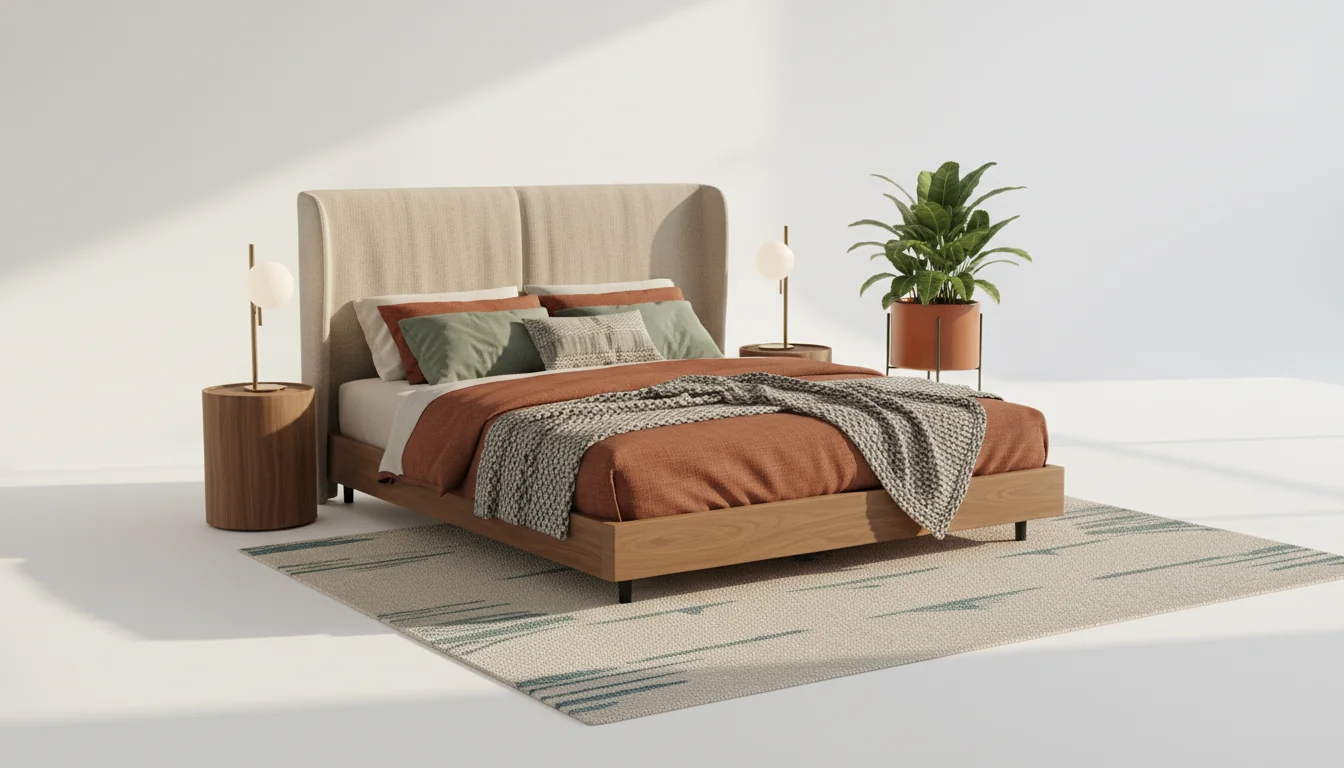
The bedroom is where design regret lives. A headboard that looked confident in the showroom feels enormous against your actual wall. A bedding set that was crisp and hotel-like in the catalog reads flat and cold in your real afternoon light. A rug that seemed “big enough” tucks under the bed like an apology. Bedrooms have fewer moving parts than a living room, but every part is expensive, personal, and slow to return.
AI bedroom design solves a specific slice of that problem. Upload a photo of your current bedroom, pick a style, and a modern AI interior design app renders the space back to you in under a minute — new bedding, a new headboard, reframed art, a different rug, and, in the better apps, a list of furniture you can actually buy. The point is not to replace your taste. The point is to let you see the regret before you commit to it.
This guide walks through how AI bedroom design works in 2026, how small and primary bedrooms differ in the generator’s output, which styles the technology renders cleanly, and the two kinds of rooms that trip up almost every AI: low-light and north-facing. You will also get a straightforward way to avoid the furniture-measurement nightmare that normally ends every bedroom refresh with the wrong nightstand.
What is AI bedroom design? AI bedroom design is a photo-to-render workflow where an AI model analyzes a photo of your bedroom and produces styled redesigns — new bedding, headboard, paint, rug, lighting, and art — typically in under a minute. The best apps also return shoppable furniture matches, so renders turn into a plan you can actually execute.
How AI Bedroom Design Works
The workflow is deliberately short. You take one photo of your bedroom, ideally from a corner so the camera catches two walls and the floor. You pick a style (or several) from the app’s library. You tap generate. Thirty to ninety seconds later, you have two to four rendered variations of your actual room in that style.
Under the hood, three things happen in sequence. First, the model reads the room’s geometry — the corners, the window positions, the ceiling line, the floor plane, and where the bed already sits. Second, it interprets your style prompt against a large training library of real interiors, not stock images. Third, it re-renders the room with new bedding, a new headboard, new wall color, new rug, and new lamps — but keeps your walls, windows, and ceiling in the same place so the render still looks like your bedroom rather than someone else’s.
The better virtual bedroom design apps also attach shoppable furniture matches. The headboard in the render might be pulled from a retailer’s actual catalog, sized to look right at your bed’s dimensions, with a link that opens to the product page. That turns a pretty picture into a buy list.
A few practical notes from hundreds of renders:
- Take the photo in daylight with the bed made. A messy bed confuses the model’s geometry detection more than most people expect.
- Include the headboard wall in the frame. Headboards drive more of the style shift than any other single element.
- Avoid ultra-wide-angle phone lenses. They distort the room and the AI then compounds the distortion in the render.
- Generate at least three styles on the first pass. The one you were certain about rarely wins head-to-head.
Small vs Primary Bedrooms: What Changes
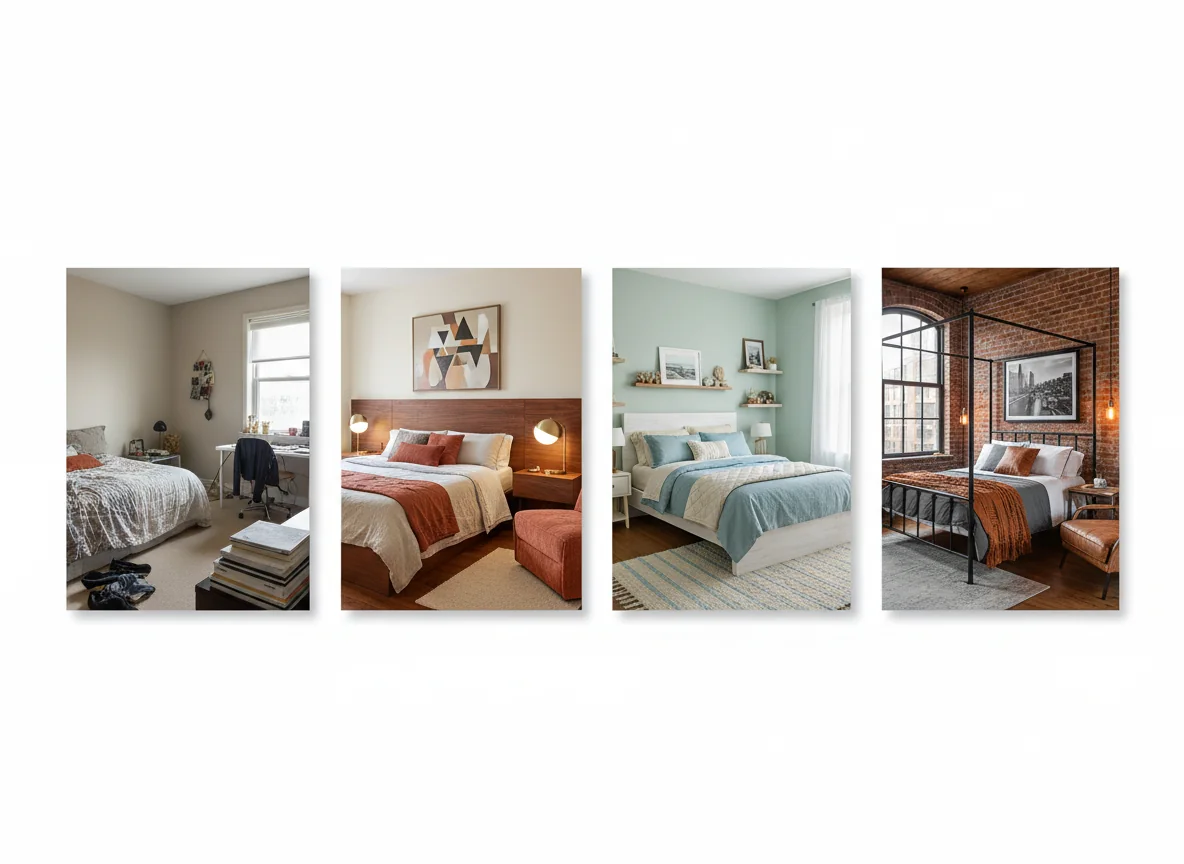
A good AI room redesign treats a 10 by 11 guest room and a 16 by 18 primary suite as fundamentally different problems. In practice, you can feel the difference in the renders. Small bedrooms trade ambition for clarity. Primary bedrooms invite layering — benches at the foot of the bed, a seating area in the corner, drapery behind the headboard — that a small room simply cannot support without looking cramped.
The most useful mental model is that small bedrooms want three to four design decisions executed confidently, and primary bedrooms want seven to nine. The AI does not automatically know which situation it is in. You steer it with the photo and the style you pick.
| Variable | Small bedroom (under 120 sq ft) | Primary bedroom (220+ sq ft) |
|---|---|---|
| Bed scale | Queen max; often full. Headboard stays under 54” tall. | Queen or king. Taller headboards (60”+) render believably. |
| Rug strategy | 5x8 under the lower two-thirds of the bed, or skip it. | 9x12 centered under the bed, nightstands optional on the rug. |
| Lighting layers | One overhead + two bedside. Three sources total. | Overhead + bedside + one accent (sconce, floor lamp, pendant). |
| Storage | Slim nightstand, under-bed storage, wall-mounted shelves. | Dresser, bench, optional armoire, freestanding mirror. |
| Pattern tolerance | One pattern at most (bedding OR wallpaper, not both). | Two to three patterns if palette is disciplined. |
Most AI bedroom design apps will render a primary suite with too much furniture if you do not tell them the room is small. The fix is simple — include “small bedroom” or the square footage in your prompt. On the primary-suite side, the common failure is the opposite: the AI sometimes renders a primary bedroom as if it were a hotel suite, with a random chaise that the room does not need. Ignore the chaise. Keep the bed.
Bedroom Styles the AI Renders Cleanly
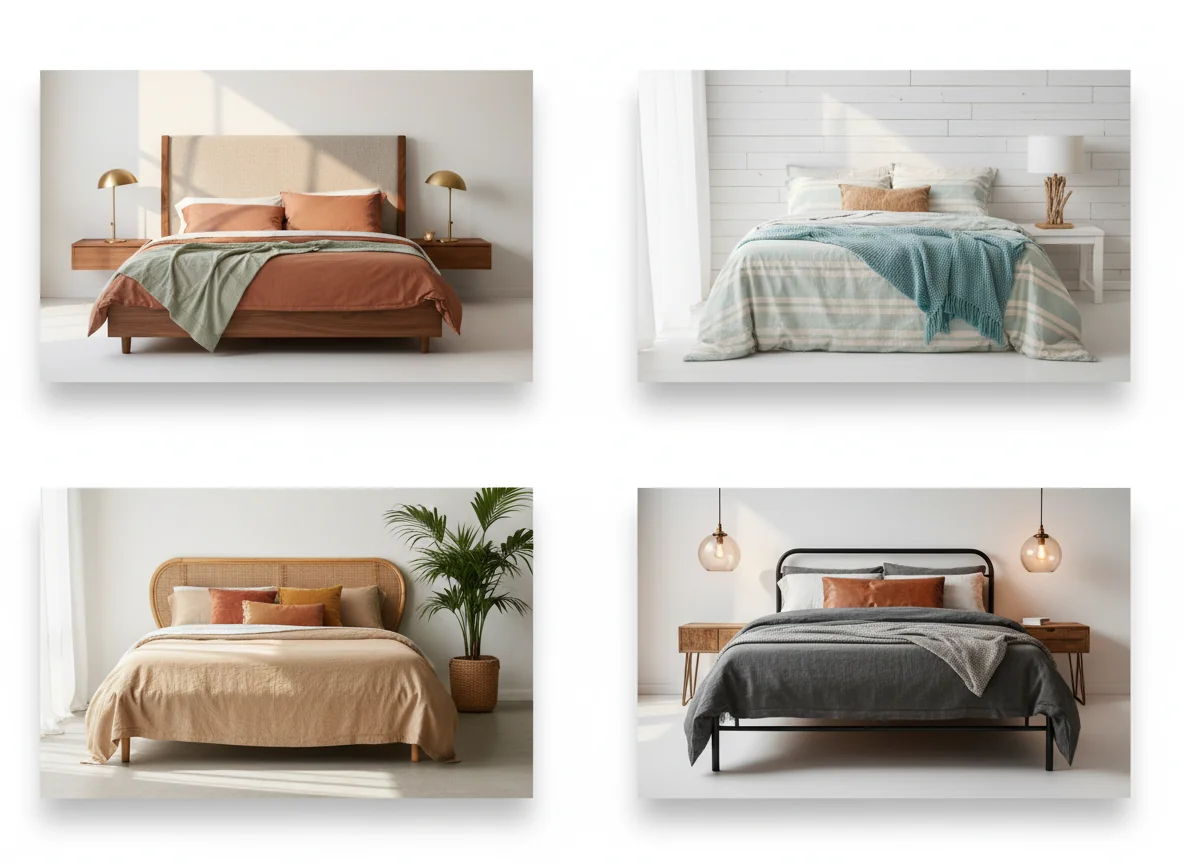
Not every style translates well to AI rendering. Some styles have very consistent, easily-described visual grammar and render almost flawlessly. Others depend on specific textiles, craftsmanship, or regional materials and require more prompt-engineering to get right. Four styles land cleanly in most bedroom AI generators today.
Modern
Modern renders beautifully because the style leans on a small number of clean gestures — a low platform bed, a single dominant material (walnut, oak, or matte black metal), minimal bedding, and sculptural lighting. The AI rarely fumbles modern because its training set is saturated with it. If you are new to AI interior design, this is the starter style. Pair it with a best color scheme for bedrooms that leans warm neutral — the render will feel less showroom-sterile.
Coastal
Coastal works in AI renders when you keep it restrained. Think linen bedding, rattan headboard, pale oak flooring, one woven pendant. What the AI often over-does is seashell decor and palm fronds, which turn the render into a cliché. A cleaner prompt — “coastal, linen and rattan, no shell motifs” — produces something closer to a modern Hamptons rental than a souvenir shop.
Tropical
A tropical render depends almost entirely on plants, natural fibers, and wood tones rather than on pattern volume. The AI is decent at this once you specify “botanical but restrained.” For a deeper walk-through of the aesthetic, our tropical ideas for bedrooms post covers the real-world application.
Industrial
Industrial is the most opinionated of the four and the most dramatic in a bedroom AI render. Exposed brick, black metal frames, Edison-bulb pendants, concrete-look wallpaper — the AI handles all of it confidently. It also has a tendency to over-index on brick, so specify “industrial, soft — metal bed frame, plaster walls, one brick accent wall maximum.” If the style resonates, our industrial bedroom ideas breakdown has specific material pairings.
Styles the AI still fumbles include granny-chic and maximalist, where the point is layered collected objects that an AI cannot convincingly invent, and anything that relies on very specific regional craft (Moroccan zellige, Japanese tansu) where the model tends to produce generic-looking approximations.
Handling Low-Light and North-Facing Rooms
The two hardest bedrooms to AI-design are also the two most common: windowless basement bedrooms and north-facing rooms that never get direct sun. Both give the AI a photo that reads flat and cool, and both tempt the model into rendering the room as brighter than it will actually look at 4 p.m. in February. That is where real-world regret comes from.
Two habits save you from that trap. First, tell the AI explicitly that the room is low-light or north-facing. Most apps accept this as a modifier and will render warmer palettes accordingly. Second, generate a second render with the prompt “evening lamp light only” so you can see what the room looks like without the sun. A bedroom is mostly used in the evening and morning anyway. Designing for peak daylight is designing for the wrong hour.
From a color-science perspective, north-facing rooms benefit from warm whites (look for paint formulations with a yellow or red undertone), soft incandescent-temperature lighting (2700K–3000K), and textiles with enough warmth to compensate for the cool sky light coming through the window. The Sleep Foundation’s guidance on bedroom lighting is also worth reading before you commit to a fixture — bright white bedroom lighting is worse for sleep than warm dim lighting, regardless of how it renders on your phone screen.
A practical sanity check: if the AI render shows harsh, cool white light in a room you know to be dim, it is flattering the room rather than previewing it. Regenerate with explicit light-condition prompting before you buy anything.
Matching Furniture Without the Measuring Nightmare
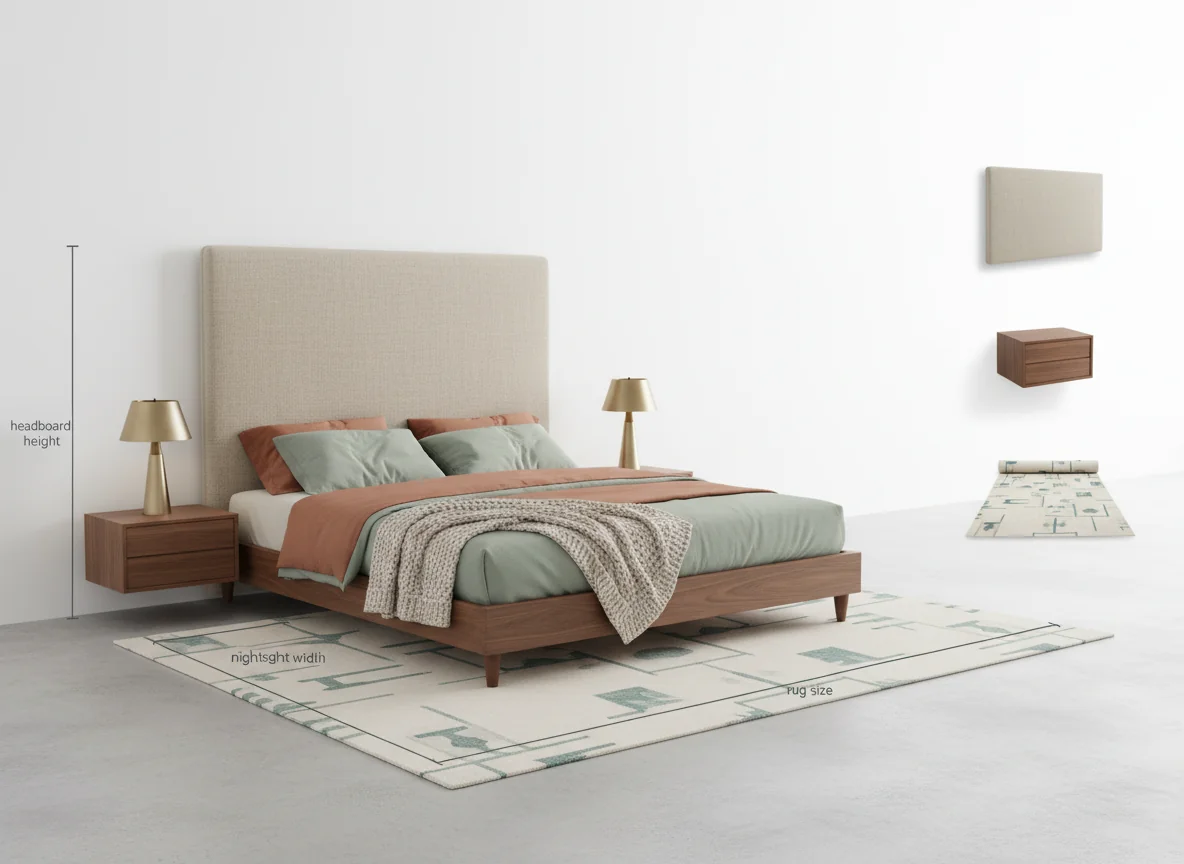
Measuring furniture is the step that kills more bedroom refreshes than any other. A headboard that is three inches too tall for your low-ceiling bedroom, a dresser that blocks the closet door by four inches, a nightstand that comes up six inches above the mattress — these are the mistakes that sit in storage for a year before being sold at a loss.
This is where the AI-plus-shoppable-furniture loop is most useful. Good AI bedroom design apps do three things that compress this problem:
- They render the furniture at a scale consistent with the room’s detected geometry, so you can see immediately if a piece is over- or undersized.
- They attach real product matches, so the headboard in the render is tied to a retailer listing with actual dimensions.
- They let you swap a single piece without regenerating the whole room, so you can compare a 54” headboard against a 60” one in the same space.
The workflow that produces the fewest returns looks like this. Generate the render, like a piece, tap through to its dimensions, measure the real space with a tape measure, and only then add to cart. The AI does not replace the tape measure, but it does stop you from shopping for a piece that was never going to work anyway. For a deeper dive on putting it all together, see our decorate bedroom ideas guide.
Rental-Friendly AI Bedroom Ideas
Renters have a specific version of the problem. You cannot paint (or you can, but you have to paint it back). You cannot drill the walls at will. You often cannot swap the light fixtures. What you can do is choose bedding, a rug, a bed frame, a nightstand, a lamp, and temporary wall treatments — peel-and-stick wallpaper, fabric wall hangings, leaning shelves, and adhesive picture rails.
When you use AI bedroom design as a renter, the most useful move is to tell the app upfront that the room is a rental. Most apps will then constrain the render to reversible changes — skipping paint in favor of a wallpaper mural, skipping the hardwired pendant in favor of a plug-in floor lamp, skipping the built-in headboard wall in favor of an upholstered freestanding one. That single prompt-level instruction cuts a third of the unusable renders out of the result set.
A few rental-specific patterns that render well and move with you:
- Upholstered freestanding headboard with bolt-on legs. Renders cleanly, moves easily, hides most existing wall conditions.
- Peel-and-stick wallpaper on one wall. The AI renders this believably and it actually does come off.
- Plug-in wall-mounted sconces with cord covers. Preview these carefully — the AI sometimes hides the cord.
- Layered area rugs over the existing carpet. Especially in a rental with beige wall-to-wall, this single move transforms the room.
- Nature-leaning palettes with plants doing the color work. Our nature themed bedroom ideas post goes deep here.
If you are also thinking about the rest of the apartment, our sister post on AI living room design covers the same workflow for the room next door.
Frequently Asked Questions
Is AI bedroom design free?
Most AI interior design apps, including RoomGenius, offer a free tier that lets you generate a limited number of renders per month. Paid tiers unlock higher-resolution renders, more style options, and unlimited generations. For a typical bedroom refresh — three to five renders across two or three styles — the free tier usually covers the decision.
How accurate are AI bedroom renders?
Accurate enough to compare styles and ballpark furniture scale, not accurate enough to replace a measuring tape. The geometry is right within a few percent — a render showing a bed against a wall will match the real room closely. Individual product dimensions come from the retailer listing, not the render, so always double-check before you buy.
What is the best photo to upload for AI bedroom design?
A daylight photo taken from a corner of the room, roughly eye-height, with the bed made and the floor visible. Include the headboard wall fully in frame. Avoid ultra-wide or fisheye phone modes. A single clean photo produces better renders than three busy ones, because the AI has less geometric noise to reconcile.
Can AI bedroom design handle small bedrooms?
Yes, but you have to tell it the room is small. Most models default to a generous floor plan if the prompt does not specify. A prompt like “small bedroom, 10x11 feet, queen bed, one nightstand” produces noticeably more proportionate renders than “modern bedroom” alone. The small-space render will skip the chaise, the bench, and the second dresser — which is exactly what you want.
Does AI bedroom design work for kids’ rooms?
It works for older kids’ rooms and teen rooms with the same fidelity as an adult bedroom. It struggles more with nurseries and toddler rooms because the training data is thinner and because those rooms evolve quickly. A bedroom style generator is a decent starting point for a ten-year-old’s room refresh, less useful for a two-year-old’s.
How long does an AI bedroom render take?
Thirty seconds to ninety seconds per render on a modern phone, depending on the app and the style. A full session — uploading the photo, generating four variations across two styles, and tapping through the shoppable furniture — typically takes under ten minutes. That compares to the two-to-three weekends a traditional mood board takes to assemble.
Can I share AI bedroom renders with a partner or designer?
Yes, and this is where the technology pays for itself. Sharing three renders with a partner resolves more bedroom-style disagreements than a month of Pinterest boards, because you are both reacting to the same specific room rather than arguing about abstract aesthetics. A professional interior designer can also use the renders as a starting brief instead of a blank-page consultation.
See Your Bedroom Three Ways Before You Buy the Headboard
If you are about to refresh your bedroom, the cheapest thing you can do first is preview it. RoomGenius takes a single photo of your actual room and returns three styled bedroom redesigns side by side, with matching furniture you can buy without leaving the app. Stop committing to a headboard based on a showroom photo — see it in your own room, at your own wall, with your own light, before the box arrives.
Download RoomGenius on the App Store or on Google Play, snap your bedroom, and pick the style that finally looks right.