AI Living Room Design: Your Guide to Styles + Layouts

AI living room design is having a moment, and it has earned one. Pull up a photo of your existing room, pick a style, and a modern AI app will hand back three or four styled redesigns before your coffee cools — new sofas, layered rugs, repainted walls, and lighting that finally makes sense. If you have ever stared at a blank wall wondering whether a sectional or a pair of loveseats would work better, that is a genuinely useful superpower.
The catch is that not every AI tool produces a usable render on the first try, and not every workflow is worth your time. This guide covers what AI living room design actually does today, the three-step workflow that reliably produces photorealistic results, the styles and layout problems the technology is unusually good at, and the places where a human eye still matters.
What is AI living room design? AI living room design is a photo-to-render workflow where an AI model analyzes a photo of your living room and generates styled redesigns — new furniture, paint, rugs, lighting, and layouts — in under a minute. Most apps let you pick a style, compare multiple variations side by side, and shop matching furniture without leaving the app.
What AI Living Room Design Actually Does
The simplest way to think about AI living room design is as a very fast, very literal-minded design assistant. You hand it a photo of your current living room. It identifies the walls, windows, doors, ceiling line, floor, and existing major furniture. Then it re-renders the room in the style you asked for — keeping the architecture the same but swapping out everything you said should change.
A handful of specific things happen under the hood:
- The model maps the room’s perspective and lighting so new furniture sits in it believably, not floating above the floor.
- It interprets your style prompt (say, “warm modern with a low-profile sectional”) against a huge catalog of rooms it has already been trained on.
- It generates a new render, usually two to four variations, each with a different sofa, rug, art, and lighting combination.
- In the better apps, it attaches shoppable furniture suggestions so the renders aren’t just eye candy.
That is the core loop. Everything else — floor plan generation, color palette tools, mood boards, sketch-to-render — is a layer on top of it.
People often compare AI living room design to older 3D design software like SketchUp or Roomstyler. The meaningful difference is who does the work. In traditional CAD tools, you build the room from scratch, one object at a time. In AI-powered virtual room design apps, the model does the building in a minute or two and you direct it with style prompts and feedback. The tradeoff is control: you get enormous speed but lose some of the surgical precision of a true CAD workflow. For most living-room decisions, that is a very good trade.
Snap, Generate, Iterate: The Three-Step Workflow
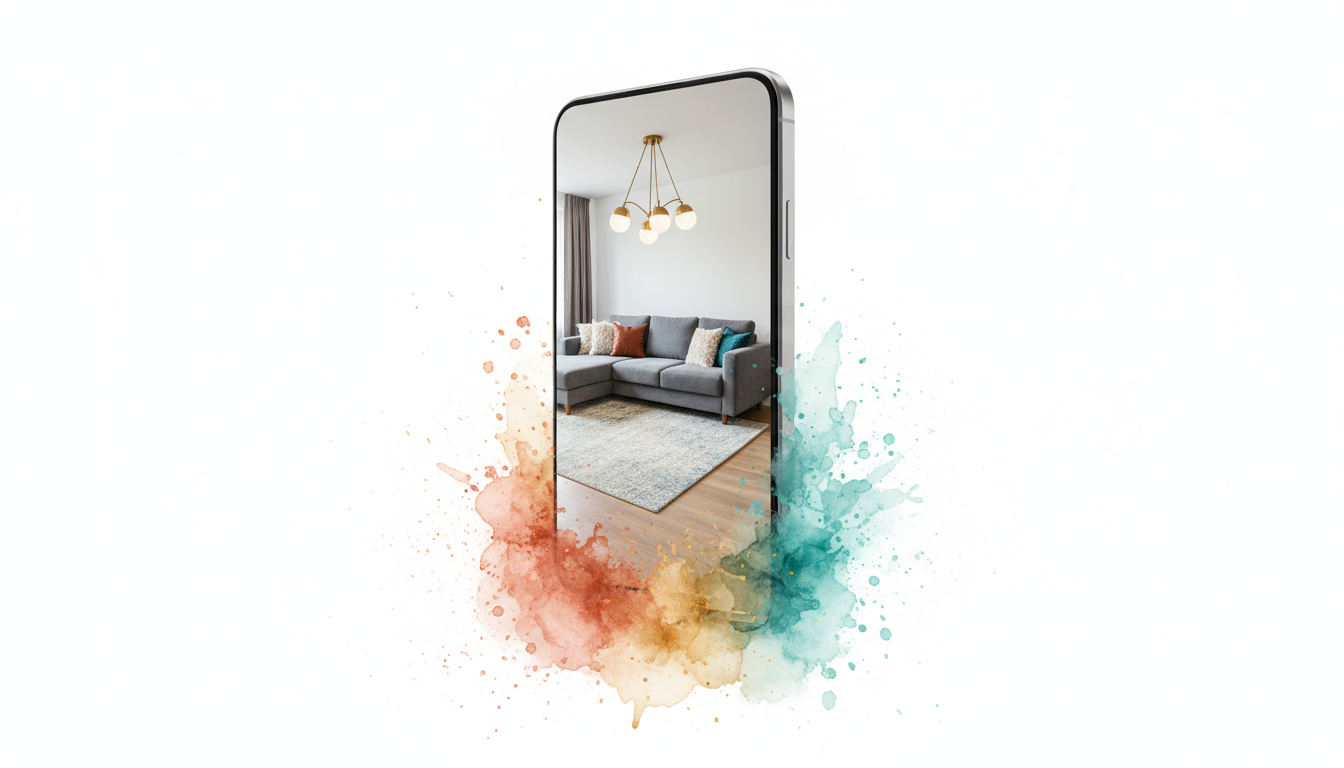
If you only take one thing from this guide, take this: the best AI living room design results come from a disciplined loop of capture → generate → refine, not a single one-shot prompt.
- Capture. Take a clear, well-lit photo from the doorway (one-point perspective), roughly chest height. Include as much of the room as you can fit in the frame — two walls minimum, ideally three. Turn on the lights, even in daytime. Keep your existing furniture in place; the AI needs something to work with.
- Generate. Pick a style. Start conservative — “modern,” “Scandinavian,” “transitional” — before jumping into something opinionated like “coastal bohemian” or “art deco revival.” Generate three or four variations.
- Iterate. Keep what you like about each render, then re-prompt with specifics. “Same layout, darker sofa, lighter rug, keep the coffee table.” Four or five iterations is usually all you need.
The mistake most first-time users make is treating the first render as final. It almost never is. The AI is working from a short prompt and an imperfect photo; the second and third iterations are where the design actually locks in.
Here is a tip that is almost embarrassingly simple: tidy the room before you photograph it. The AI keys off what it sees, and a laundry basket on the sofa tends to confuse it more than you would expect. A neat room produces a cleaner render. For more on the classic side of the problem, our guide to arranging living room furniture pairs nicely with an AI workflow — once you have a render you like, time-tested layout principles still apply.
What AI Gets Right, and What Still Needs You
No AI design tool is magic. But the places AI is genuinely good at are the places that used to be genuinely hard for a non-designer.
AI nails:
- Style consistency. If you say “mid-century modern,” the AI will give you a mid-century sofa, a mid-century coffee table, and mid-century lighting that look like they were chosen together. A first-time decorator can miss this by half a mile.
- Color palette cohesion. AI reads your floor and wall colors from the actual photo and suggests palettes that match the room’s real light, not a Pinterest reference shot of somebody else’s house.
- Furniture proportions. AI-generated renders usually scale furniture correctly to the room’s perceived size. The dreaded oversized sectional problem gets caught early.
- Ideation speed. Five styles in five minutes. A human designer cannot do that, and neither can your Saturday afternoon Pinterest binge.
- Reducing purchase regret. Seeing a sectional in your actual room before you buy it removes the single biggest variable in furniture shopping.
AI still needs you for:
- Exact measurements. The AI estimates dimensions from your photo. For anything where fit is critical — squeezing a sofa past a tight hallway, planning built-ins around a radiator — you still need a tape measure.
- Building code and structural details. Load-bearing walls, window permits, ceiling height minimums. AI renders do not know what your city’s code requires.
- Your actual taste. AI can generate any style. It cannot tell you which one you will still love in five years. That part is human.
- Budget realism. The AI may pair a $12,000 sofa with a $400 rug in the same render without flagging the mismatch. Human review on pricing is still required.
The best way to work with AI living room design is to treat it as a very fast first-draft tool. It gets you 80% of the way to a decision in minutes. The last 20% is where you bring in human judgment, measurements, and — sometimes — a designer.
Living Room Styles That Render Especially Well

Some styles render more convincingly than others. The pattern is simple: styles with a consistent visual language and a restrained palette render cleanly. Styles that rely on carefully curated maximalism — layered textures, one-of-a-kind antiques, bold pattern mixing — are where AI tends to produce awkward results.
Modern / contemporary
Low-profile furniture, neutral palettes, clean lines. AI renders modern living rooms extremely well because the training data is enormous and the style’s rules are predictable. If you are not sure where to start, start here.
Mid-century modern
Tapered legs, walnut and teak, burnt-orange or mustard accents, one graphic rug. A perennial AI favorite — the dataset is deep and the style’s signatures are unambiguous. For background choices, our interior paint colors for living rooms guide covers the warmer neutrals that read well with mid-century furniture.
Scandinavian and Japandi
White walls, light oak, functional minimalism, a single statement textile. Because the palette is narrow and the material rules are strict, the AI has fewer chances to get it wrong. These are the single most reliably-rendered living room styles, and they line up with where warm minimalism has been trending since the early 2020s, as publications like Dwell have covered extensively. Our modern minimalist home decor overview is a good companion read.
Warm boho
Works beautifully when “boho” means layered rugs, rattan, and warm neutrals. It gets worse when “boho” means the curated maximalism you see in the back pages of World of Interiors. Keep your prompt specific — “warm boho with a low sectional and one statement rug” beats “bohemian.”
Transitional
The safest choice for broad appeal. Traditional silhouettes, modern palette. Realtors and Airbnb hosts often start here because it photographs well and appeals to the widest pool of buyers and guests.
Coastal
Whites, blues, jute, linen. Easy for AI to render, but easy to oversaturate — ask for “coastal without the shells and rope” if you want a grown-up version.
Styles AI tends to stumble on
Grandmillennial, genuine art deco, and high-maximalist layered looks are where AI can feel thin. Not impossible, but expect to iterate more, and be specific about which elements matter most (“curved camelback sofa,” “brass-and-glass cocktail table,” “one gallery wall with ornate frames”) rather than relying on the style label alone.
If you’re not sure which direction to go, generating one render of your room in each of four wildly different styles is actually a great way to discover your own preferences. It is also faster than scrolling Pinterest for a weekend. Outlets like Apartment Therapy and the broader shelter press have noticed the same thing: people who start from AI-generated options tend to land on a style they can actually commit to, faster than people starting from magazine tear-outs.
Common Living Room Layout Problems AI Solves
The reason AI living room design has taken off faster than AI bedroom or AI kitchen design is that living rooms have the hardest layouts. They are the room with the most competing requirements — a focal point, traffic flow, seating for guests, a TV, storage, sometimes a dining nook, sometimes a home office corner. A bedroom is a bed and two nightstands. A living room is a Rubik’s cube.
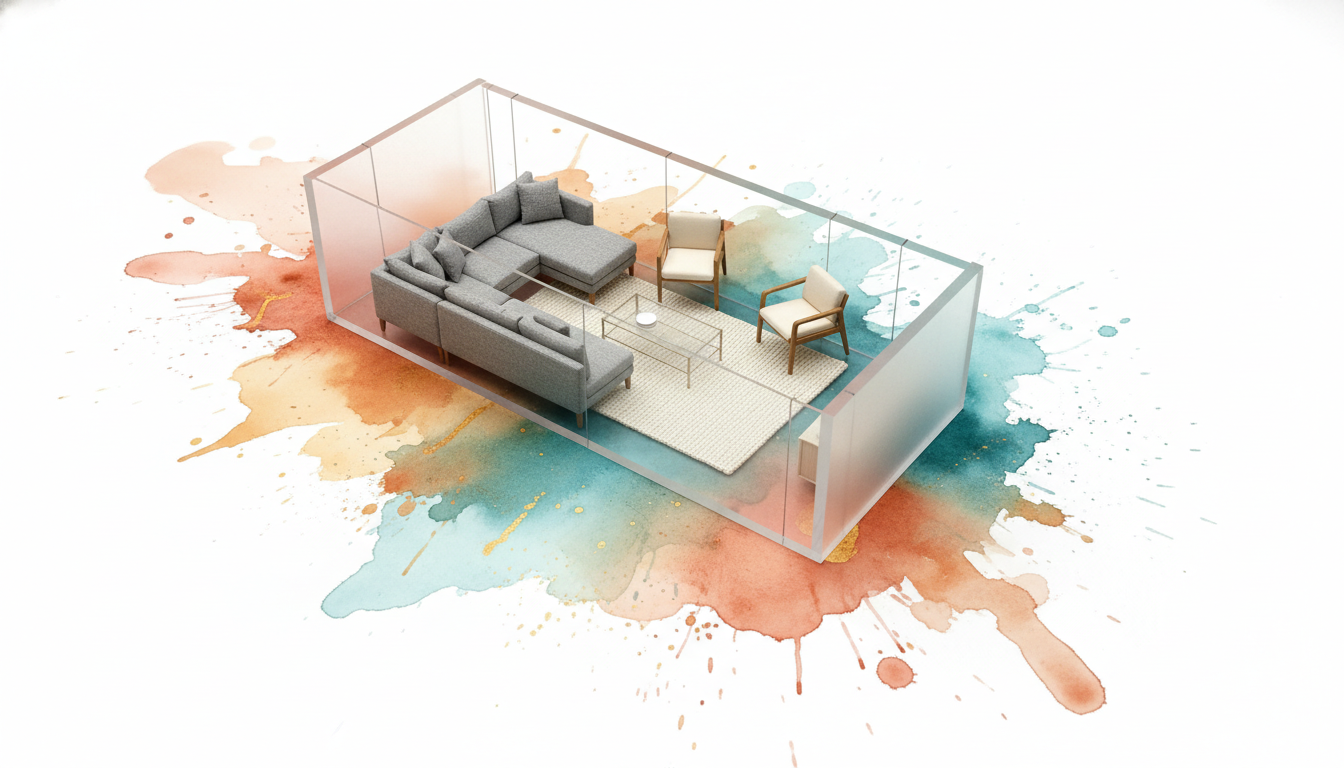
Here is where AI living room design earns its keep.
Long, narrow rooms
A classic problem. Put the sofa against the long wall and the room feels like a bowling alley. Put it perpendicular and you block sightlines.
AI-generated renders tend to offer a few specific solutions:
- Two smaller facing sofas instead of one long sofa
- An L-shaped sectional that defines a conversation zone and leaves circulation at one end
- A “floating” layout that pulls the sofa off the wall entirely and places a console behind it
- A pair of swivel chairs opposite the sofa, angling sightlines so the room reads wider than it is
The awkward TV wall
When the TV has to go on a wall that also has a window, a door, or a fireplace, AI is unusually helpful. It will either reposition the seating, suggest a recessed TV niche, or propose a gallery-wall treatment that lets the TV blend in. The better AI apps will generate multiple options at once and let you compare them at a glance.
Open-plan living/dining zoning
Open-plan rooms lose their sense of purpose without some visual zoning. AI reliably proposes three zoning tools: a large rug under the seating area, a low console or sofa back acting as a divider, and pendant lights that anchor each zone independently.
Small-living-room compression
In apartments where the living room doubles as dining area and workspace, AI often recommends a single flexible piece — a daybed, a narrow console that extends into a table, a nesting-table setup that expands for guests. Pair this with our guide on room layout ideas for small spaces and you have a usable plan.
No natural focal point
Rooms without a fireplace or a feature window can feel directionless. AI tends to manufacture a focal point with a large rug, one piece of statement art, or a built-in bookcase treatment — and it gives you the render to judge whether it works.
Here is a quick table of which AI-driven layout moves tend to solve which problem:
| Layout problem | AI’s usual solution |
|---|---|
| Long, narrow room | Floating sofa layout or dual facing sofas |
| Awkward TV wall | Reposition seating or build the TV into a gallery wall |
| Open-plan zoning | Large rug, console divider, pendant lighting per zone |
| Small footprint | Multi-use furniture (daybed, expandable console) |
| No natural focal point | Large rug or statement art creates one |
| Too-busy focal point (fireplace + window + TV) | Simplify with paint treatment and lower-profile seating |
| Odd-shaped rooms (L-shape, bay windows) | Angled seating or a sectional that follows the geometry |
These are not novel design ideas. The reason AI is useful is not that it invents something new — it is that it shows you what each solution looks like in your actual room, immediately, and lets you pick between them.
Pairing AI Living Room Designs With Shoppable Furniture
Rendering is half of the value. The other half is being able to buy the room you just rendered.
The better apps attach a shoppable layer to each render: the sofa in the image links to a real, purchasable sofa (or the closest available match). The rug, the coffee table, the lamps — all tied to listings you can filter by price, size, and shipping time.
This is where AI-generated room design goes from “nice to look at” to “decision made.” A few things to look for in the shoppable layer:
- Style consistency across matches. The matched pieces should read as a coordinated set, not a random grab bag of sofas that happen to look sort-of like the render.
- Budget awareness. The better apps let you filter by price tier before the matching step, so you aren’t shown a $9,000 sofa when you set a $1,500 budget.
- Size constraints honored. Matched sofas should fit the room’s actual dimensions, not just the render’s impression of them.
- Availability filtering. Nothing worse than falling in love with a render and discovering the hero piece was discontinued six months ago.
If your app doesn’t have a shoppable layer, the workflow still works — you just become the researcher. Screenshot the render, note the distinctive details of each piece (leg style, arm profile, fabric, wood tone), and search for “similar” with those keywords. It is slower but not hard.
For realtors and short-term-rental hosts, shoppable matching is most of the game. A render without a purchase path is a pretty picture. A render with a purchase path is a listing that can be photo-ready in a weekend. See our guide to the virtual home staging app category for how this shows up in practice.
How to Get Better AI Living Room Design Results
The gap between a disappointing first render and one you would actually hang on your wall is almost entirely in the prompt and the input photo. A few rules that consistently produce better output.
Photo tips
- Shoot from the doorway. One-point perspective gives the AI the clearest spatial read.
- Shoot at chest height. Floor-level or ceiling-level angles distort the room and confuse the model.
- Turn on every light. Even if the room reads dark, the AI works better with more signal.
- Shoot in daylight if possible. Natural light gives the model more information to work with.
- Include a reference object. A visible sofa or coffee table helps the AI calibrate scale.
- Tidy up. Clutter in the photo becomes awkwardness in the render.
Prompt tips
- Style + material + mood + function. A four-part prompt produces far better output than a single adjective. “Mid-century modern, walnut and cream, calm and uncluttered, optimized for reading and hosting four people” beats “mid-century.”
- Use negative language where needed. “No throw pillows with busy patterns” or “avoid chrome finishes” sharpens the result.
- Name a reference if you have one. “In the style of a West Elm lookbook” or “Japandi, reminiscent of Norm Architects” gives the AI something concrete to pattern-match against.
- Iterate narrowly. After the first render, change one thing at a time. “Same room, darker rug” produces better results than “make it cozier.”
What to change if the render looks off
- Furniture looks wrong-sized → your photo probably has a distorted perspective. Reshoot from farther back.
- Colors look muddy → lighting in your photo is under-exposed. Brighten and retry.
- Layout feels off → specify traffic flow in the prompt: “leave a clear path from the door to the hallway.”
- Style looks generic → add one reference point (a designer, a specific rug type, a time period).
If you want to go deeper on the prompt side, our companion post on AI interior design covers the broader principles across all rooms, and the AI interior design app overview looks at which mobile apps handle these prompt patterns best.
A Note on Cost: Is AI Living Room Design Worth It?
Most of these apps are free to try and inexpensive to use beyond a free tier. Compared to hiring a human interior designer — typical fee structures run from flat-rate e-design at a few hundred dollars up to full-service at several thousand — the cost is not meaningfully comparable.
But this is not an apples-to-apples comparison. A human designer brings expertise AI does not: site visits, custom sourcing, trade pricing, project management, and taste honed over a career. The right mental model is AI for fast iteration and inspiration, a designer for high-stakes full-room execution, and both together for the best outcome. Many interior designers now use AI tools themselves to move faster on early-stage client work and to pitch options without burning billable hours.
For most people — homeowners refreshing a living room every few years, renters looking for a better-than-IKEA setup, first-time buyers trying to furnish a new place without mistakes — AI-driven living room design is the high-leverage option. A few hours with a good app can replace weeks of Pinterest and a thousand dollars of purchase regret.
Residential interior design is a large and growing category — Grand View Research and similar industry analysts have consistently sized the global residential interior design market in the tens of billions of dollars annually, and AI-driven design tools have been pulling a steadily growing share of that market since 2024. The curve heading into 2026 is clearly up, and the practical consequence is that there are more credible apps to choose from than there were even a year ago.
Going Beyond Photos: Sketch and Floor-Plan Input
Photos are the most common input, but they are not the only one. The better AI design tools also accept hand sketches, tablet drawings, and rough floor plans as input, and render them as photorealistic rooms.
This matters in three specific situations:
- New construction or gut renovations. There is no “before” photo. You have a floor plan or a sketch.
- Basement, attic, or garage conversions. The space exists, but it doesn’t yet look like a room.
- Design professionals briefing clients. A rough sketch plus an AI render beats a handmade perspective every time, and it takes minutes instead of hours.
For a deeper look at the sketch side of the workflow, our interior design sketch guide covers how a hand drawing turns into a finished render, and what the AI can and cannot infer from a loose sketch. As a freshness check on where this is going: by early 2026, most serious AI room-design apps have added some form of sketch-to-render input, which was not true a year earlier. If you see an app that still only accepts photos, it is probably behind.
Frequently Asked Questions
Is AI living room design really free?
Most of them offer a free tier that covers a few renders per month, with paid tiers that unlock higher volume, higher resolution, more styles, and shoppable furniture matching. For a one-time living room refresh, the free tier is usually enough to see what you want. For a full-home project, a month or two of paid access is almost always cheaper than a single in-home designer consultation.
Can AI living room design work for small apartments?
Yes, and it is arguably more useful for small spaces. Small living rooms are the hardest to plan because every inch matters and every piece of furniture compromises something else. AI renders give you a realistic preview of how a sofa, an L-shaped sectional, or a daybed would sit in your actual footprint. You can also test two-in-one furniture ideas, like a daybed that handles overnight guests or a console that extends into a dining table.
Does it work on iPhone and Android?
Most modern AI interior design apps run natively on both platforms. iPhones with LiDAR — the Pro models — can add accurate depth data to the room capture, which improves AI render fidelity, especially for awkward-shaped rooms. On Android, any phone with a reasonable camera and good lighting will produce solid results. The photo quality matters far more than the specific phone model.
Can I use AI living room design with a sketch instead of a photo?
Yes. The better apps accept hand sketches or tablet drawings as input and render them as photorealistic rooms. This is especially useful for rooms that don’t yet exist — new construction, gut renovations, unfinished basement conversions — or for designers briefing clients. Sketch input is a real accelerator for anyone in the design profession, and increasingly a core feature for DIYers too.
How accurate are AI-generated living room renders compared to the real thing?
For visual style, color, and general layout, modern AI renders are highly accurate — close enough to make confident purchasing decisions. For exact measurements and precise-fit problems (a sofa squeezing past a narrow hallway, a rug fitting exactly between a coffee table and a fireplace), still use a tape measure. Treat the render as a high-quality previsualization, not a 1:1 CAD drawing. The accuracy has climbed noticeably over the past two years as the underlying models have gotten better at inferring depth and lighting.
Is it worth using if I’ve already picked my style?
Yes, possibly even more so. If you already know you want Scandinavian, AI is the fastest way to see your room in Scandinavian — not a magazine photo of someone else’s. You can use the workflow just for furniture selection and layout, skipping the style-exploration step entirely. Many people use AI specifically as a purchase-decision tool rather than an inspiration tool.
Will AI replace human interior designers?
No. It will change what human designers spend their time on. Rote early-stage ideation — mood boards, style exploration, layout brainstorming — is moving to AI. What remains for designers is the high-judgment work: site visits, bespoke sourcing, project management, and the trained eye that separates “nice room” from “exceptional room.” The designers who thrive in 2026 are the ones who use AI themselves rather than treating it as a competitor.
Is it safe to upload photos of my home?
Reputable AI interior design apps only use your photo to generate your renders and do not resell it. That said, it is worth reading the privacy policy of any app you upload photos to, especially if your home is identifiable from the background. If privacy matters to you, crop windows and exterior views out of the photo before uploading.
Ready to try it? Snap a photo of your living room, pick a style, and see three designs in seconds. RoomGenius is available on the App Store and Google Play — it handles the photo-to-render workflow, shoppable furniture matching, and sketch input covered throughout this guide. The free tier is enough for a single-room refresh; upgrade only if you are doing a whole home.