AI Mood Board Generator: From Photo to Vision in Seconds
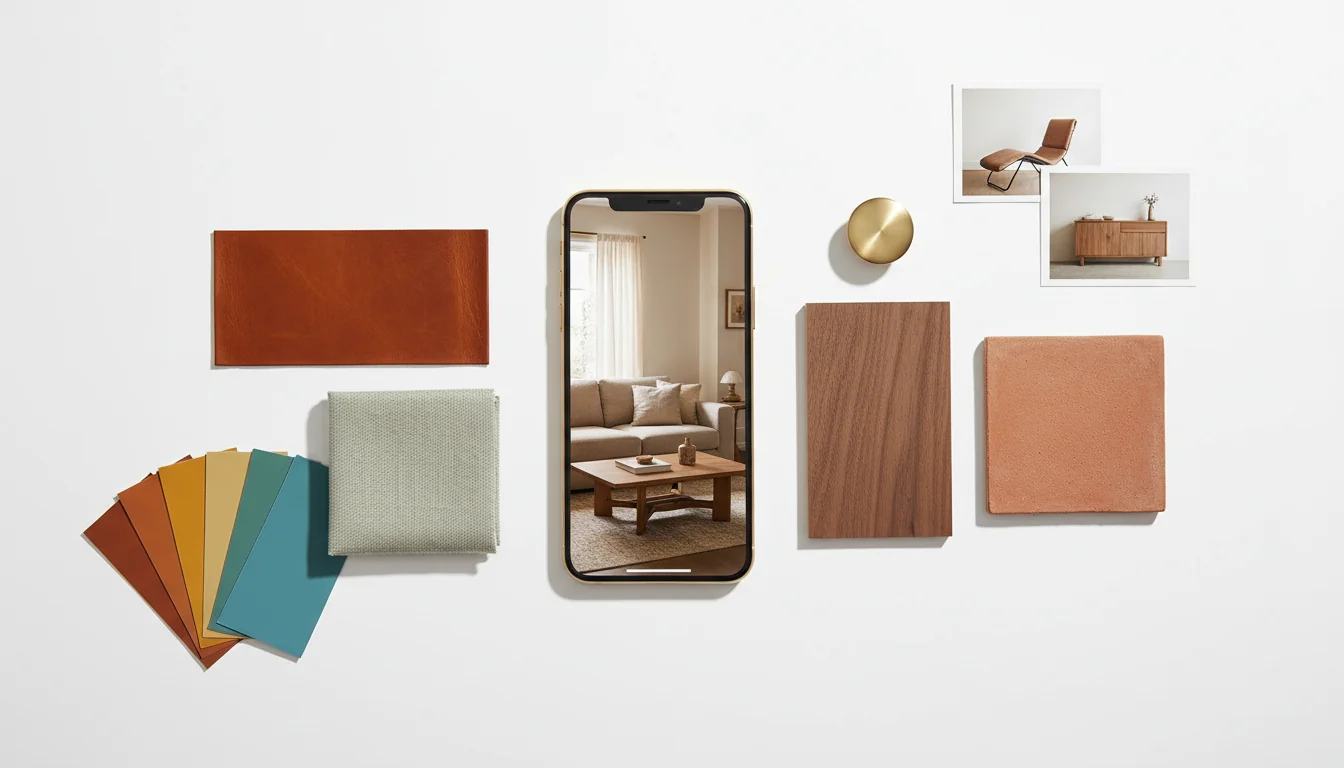
You can spend a Saturday on Pinterest and end up with two hundred saved images, a vague sense that you like “warm minimalism,” and no idea what your actual living room should look like. The collection is the easy part. The translation — from inspiration into a coherent plan that fits your room — is where mood boards have always lived. And until recently, building one well took hours of sourcing, scaling, recoloring, and second-guessing.
An AI mood board generator collapses that step. You hand it one photo of the room you actually have, and it returns a complete board: a styled render of the room redone, a curated color palette pulled from that render, three to six material swatches, and matching furniture pieces you can buy. It’s not a Pinterest export. It’s a working brief — generated in seconds, anchored to the dimensions and light of your actual space, ready to send to a contractor or pin above the desk.
What is an AI mood board generator? An AI mood board generator is software that converts a single room photo into a complete design board — a styled render of the redesigned room, a coordinated color palette, several material swatches, and shoppable furniture pieces — automatically, in one pass. Unlike traditional mood boards, every element is generated from your room rather than collaged from someone else’s.
The reason this matters is subtle. A traditional mood board is a curated collection of inspiration — beautiful, but transferable only by judgment. An AI-generated board is a working specification of one specific design applied to one specific room. The first asks: what direction excites me? The second answers: what would my room look like if I went that way? Both are useful. Most projects need the second to actually start.
Traditional Mood Boards vs AI-Generated Boards
For decades, a mood board was a sheet of foamcore covered in magazine clippings and fabric squares. Then it was a Pinterest secret board. Both formats have the same fundamental property: they’re collections of other people’s rooms, photographed in other people’s light, populated with furniture you may or may not be able to source, scaled to spaces with nothing in common with yours.
That’s not a flaw — it’s the design intent. A traditional mood board is meant to capture a feeling. It’s deliberately abstract. The translation work — figuring out which of those clippings actually fits a 12-by-14 north-facing room with an existing oak floor — happens in the designer’s head, or it doesn’t happen at all.
An AI-generated mood board flips the relationship. It starts from your room and works outward. The same emotional direction (you can ask for “warm minimalism” or “Scandinavian cottage” or “1970s Italian”) is applied to your space. The output is internally consistent, because every element was generated against the same specification. The render, the palette, and the furniture were all picked to coexist in the room you photographed — not assembled from sources that have never met.
A condensed comparison:
| Question | Traditional Mood Board | AI Mood Board Generator |
|---|---|---|
| Starting point | Curated inspiration images | A single photo of your actual room |
| Output | A collage of other rooms | A redesign of your room |
| Internal consistency | You enforce it manually | Built in by the model |
| Room-fit accuracy | Aspirational, not literal | Anchored to your dimensions and light |
| Time investment | 2–6 hours per board | 30–90 seconds |
| Best use | Direction-finding, vibe-setting | Briefing, planning, executing |
If you’ve already spent hours on traditional mood boards and they’re not converging into a plan, an AI generator is the missing translation layer. If you have no direction at all yet, traditional inspiration boards are still the right place to start — and an AI board is the second pass.
What an AI Mood Board Should Contain
Not every “AI mood board” tool produces the same artifact. The lightweight ones output a styled render and call it done. The good ones produce a complete board with five separable layers — and the layers matter, because each one corresponds to a different conversation you’re going to have during the project.
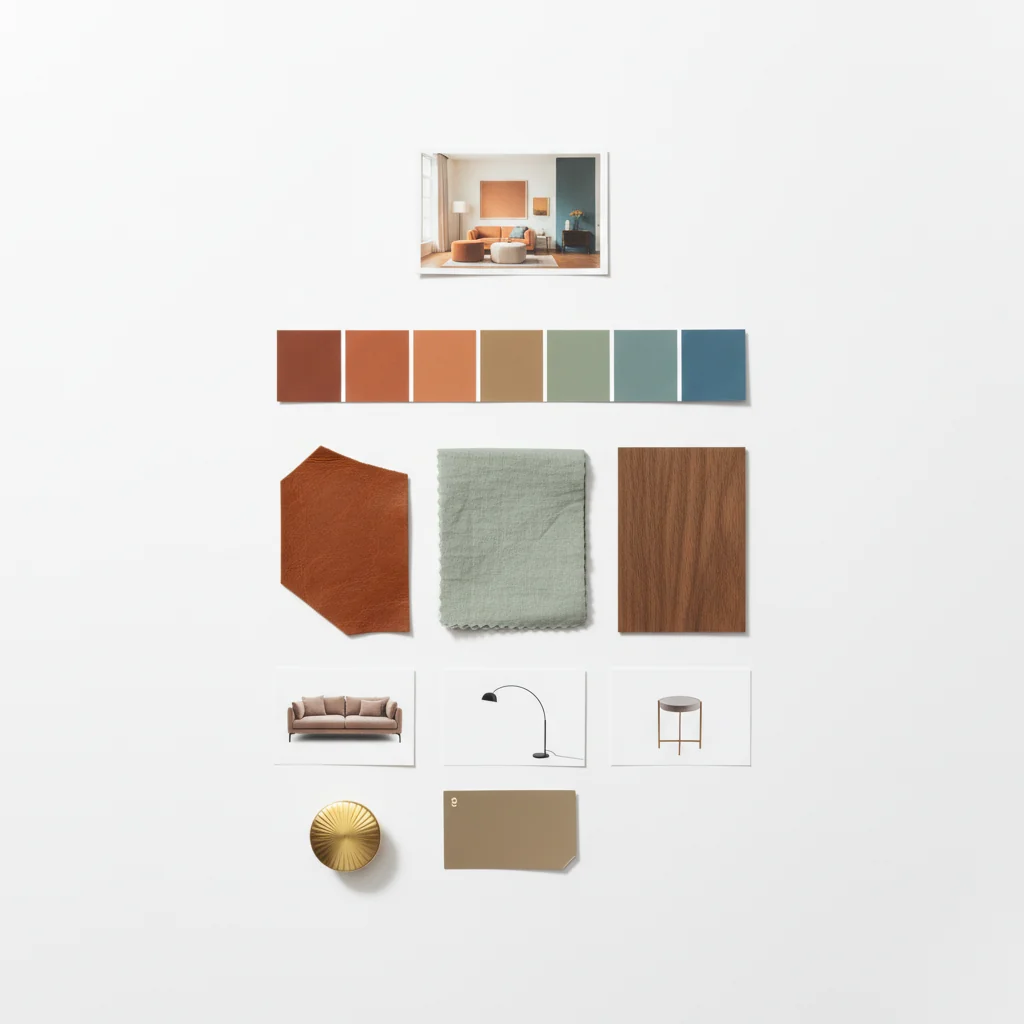
A complete AI mood board contains:
- A styled render of your room in the requested direction — this is the “what would it look like” answer, anchored to your room’s dimensions and light.
- A curated color palette of three to seven colors pulled from the render, in hex or paint-brand-mapped form, ready for the visualizer or the paint store.
- Three to six material swatches — wood tones, fabrics, stone or tile, metals — with the specific finishes implied by the render.
- Shoppable furniture pieces matched to the styled render, with brand and price where available.
- A short written brief — three to five sentences describing the design direction in plain language, useful for sending to a contractor or partner.
The styled render is the most photographed component, but the palette and swatches are usually what does the project work. You’ll send the palette to the paint store; you’ll show the swatches to the cabinet maker; you’ll forward the furniture list to the partner who’s helping decide. The render is what convinces; the rest is what executes.
A board that returns only one of these layers is a render generator with marketing applied. A board that returns all five is a tool you can actually plan from. Our overview of design concepts in interior design walks through the same five layers from the human-designer side — the AI doesn’t invent the structure; it just produces it faster.
Generating a Board From One Photo
The act of generating a board takes longer to describe than to do. The model needs three things: the photo, a direction, and (optionally) a constraint or two. The output appears in under a minute on most current tools, including the 2025–2026 generation that finally got the room-fit accuracy right.
The photo is the most important input. Mid-morning daylight, blinds open, blinds-perpendicular angle so you can see the depth of the room, lens roughly chest height, the major fixed surfaces (floor, trim, large furniture you’re keeping) clearly visible. Avoid the temptation to clean up before photographing — the AI is reading the room you actually live in, and a board generated against an empty staged room often misses the constraints that matter.
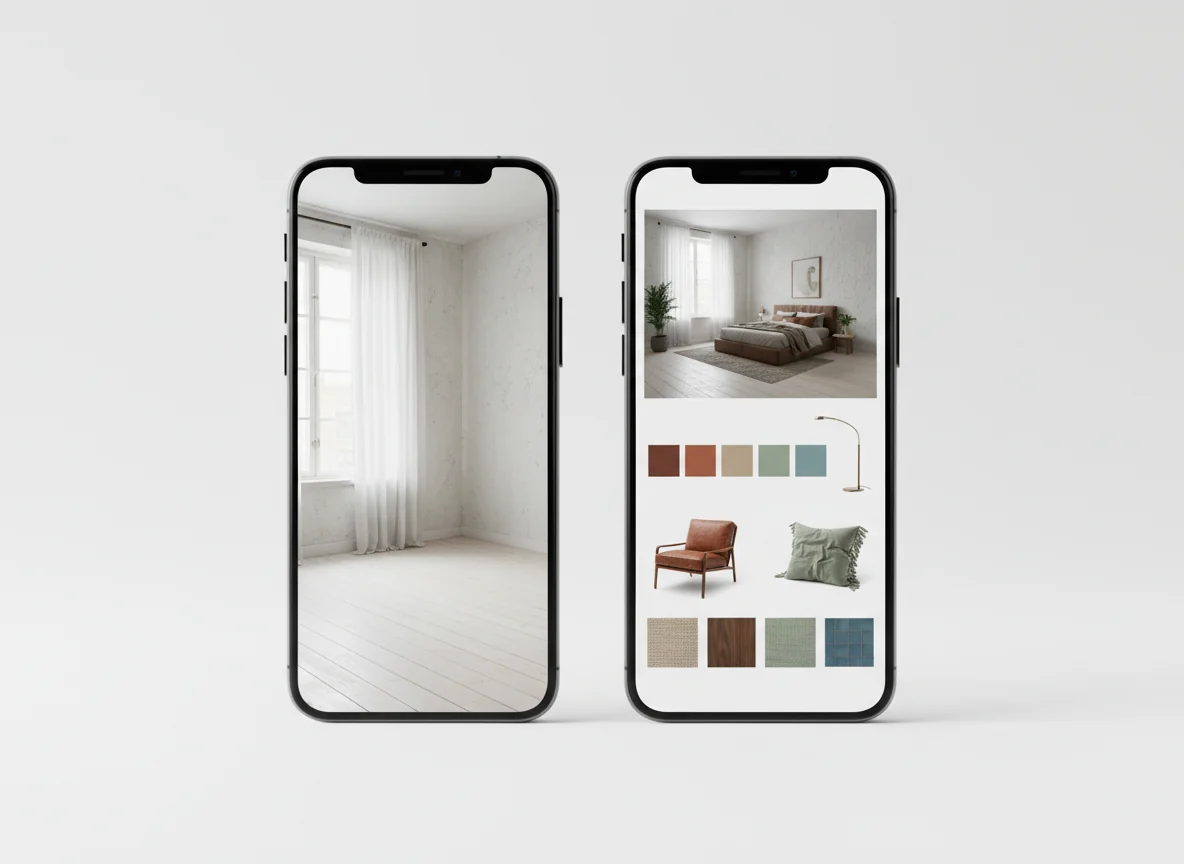
The direction is the next field. Most generators accept either a named style (“Japandi,” “midcentury modern,” “industrial loft”) or a free-text description (“warmer than what’s there now, with sage accents and brass hardware”). Free text usually outperforms preset styles because the named ones quietly average across thousands of training examples and produce something safe. A specific request produces a specific board.
The constraints are what separate amateur output from professional output. The good generators expose at least:
- Keepers — pieces of furniture in the photo that must remain in the design. Skip this, and the model may suggest a beautiful redesign that quietly assumes you’re replacing the sofa.
- Budget tier — high, medium, low — which steers the furniture matching toward catalogs in your price range.
- Boldness — how saturated, how dramatic, how risky the board should feel. Default is conservative.
- Functional needs — “must seat four for dinner,” “needs a desk surface,” “kid-safe materials.”
Skip these and the board you get is reasonable but generic. Use them and the board you get is yours.
If you’re brand-new to defining a direction at all, our guide to finding your home decor style is the right pre-step — once you can name a direction, the AI generator can execute it. Without a direction, the AI gives you the median of its training set, which is a very nice but very generic Scandinavian-ish living room.
Using AI Boards to Brief Contractors and Partners
The most valuable thing about an AI-generated mood board is that other people can read it. Renovations get stuck all the time because the homeowner and the contractor aren’t seeing the same room. The contractor builds what they thought you said; you move in to find the cabinets are taupe instead of warm walnut. The fix is expensive.
A complete board prevents this three ways. The styled render reduces ambiguity to almost zero — the contractor either builds toward this image or doesn’t. The palette in hex codes maps to specific paint products, removing the “warm white vs warm white” guessing game. The swatch list lets the cabinet maker match real materials against the render in their shop.
For a partner — paying half, deciding with you, living in the result — the board does similar work. Most domestic design disagreements are vocabulary disagreements: one person says “minimalist” and means stark, the other means uncluttered-but-warm. A board makes the disagreement legible. You stop arguing about the word and start pointing at the image: “more like this,” “less like this.”
Three concrete ways to use the board as a briefing tool:
- Send the board, not a description. The contractor’s interpretation of “modern farmhouse” is not yours. Send the board first; let words come after.
- Annotate three things you want preserved. Mark the wood tone, the metal finish, and one specific material on the render. Those are your hard requirements; the rest is negotiable.
- Show the board to two people who don’t know each other. If both come back with the same one-sentence description, the board is communicating. If they describe different rooms, regenerate.
A well-built board cuts a multi-week back-and-forth down to a couple of clear meetings. The cost of generating it is fifteen minutes; the cost of skipping it is usually a four-figure correction at the end of the project.
Mood Boards for Full-Home Redesigns
The single-room board is the obvious use case. The more interesting one is a coordinated set of boards for a whole home — five or six rooms that need to feel like one home rather than six unrelated spaces. This is where AI generation pulls ahead of anything you can build by hand in reasonable time.
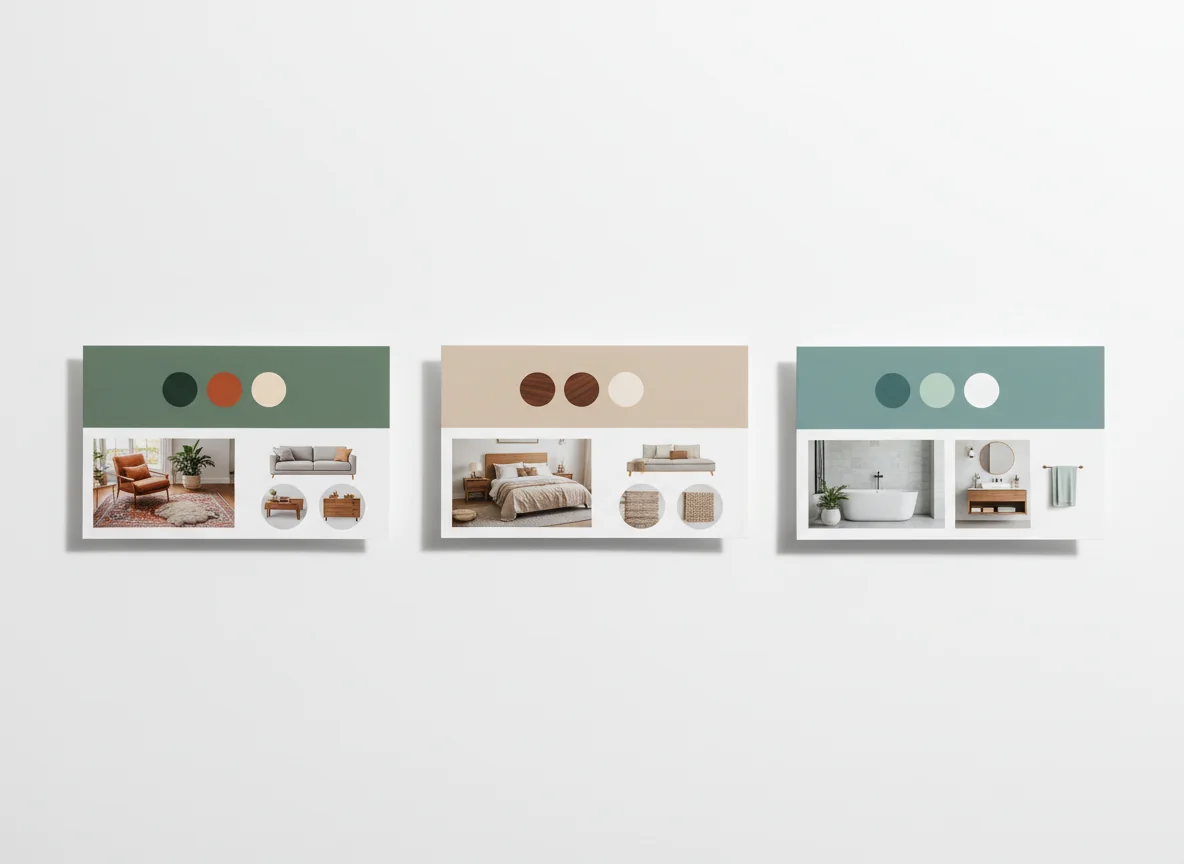
The trick is to fix one constraint across rooms — usually the palette — and let the rest re-weight per room. The living room might use warm oatmeal as the dominant wall color and terracotta as the accent. The adjacent dining room uses the same five colors but reverses the weighting: walnut and cognac dominate, oatmeal becomes the accent. The bathroom shifts cooler within the same palette: sage and cool cerulean dominate, with a single warm brass fixture or wood vanity holding the visual link.
This is a direct application of the same principles in our home decorating color schemes overview — one palette, multiple weightings, room by room. The AI’s advantage is that it applies the palette to each room photo in turn, so each board is anchored to the room it describes.
A workable pattern: generate the living room board first (it usually has the most fixed surfaces and sets the constraints), lock the palette and one or two materials, then re-generate each subsequent room with those locks held — letting the AI shift weighting and add room-appropriate accents. Lay all the boards side by side. Adjacent rooms should share at least three colors and one material. If they don’t, regenerate.
The full-home version takes about thirty minutes and produces a coordinated set that would otherwise eat a weekend or a designer’s billable hours.
Exporting and Sharing the Board
A board that lives only in the app is half a board. The sharing format decides how usable it is in the rest of the project. Look for tools that export at least three formats:
- A high-resolution PDF of the board on a single page, ready to print or attach to a contractor email.
- A shareable link that lets anyone view the board without an account — necessary for partners and tradespeople who aren’t going to install another app.
- A paint palette card with hex codes and the closest matches in major brands (Benjamin Moore, Sherwin-Williams, Farrow & Ball, Behr) — print this for the paint store.
The shoppable furniture should export as a checklist with links and a total at the bottom you can use as a budget anchor. The strongest 2025–2026 tools also offer a swatch-order link that ships physical samples and a contractor view that hides the render and shows only materials and dimensions. If your generator only outputs a single styled image with no palette or swatch breakdown, that’s a render generator with branding, not a mood board tool.
Frequently Asked Questions
How is an AI mood board generator different from an AI room renderer?
A renderer produces one image: a styled version of your room. A mood board generator produces an image plus the palette, materials, and shoppable furniture that make the render executable. The renderer answers “what could this look like?” The mood board generator answers “what would I need to actually build this?” The same product often offers both — the mood board generator is usually the renderer plus four additional layers — and the difference in output completeness is the difference between inspiration and a working plan.
Can I generate a board without a photo?
Some tools accept a sketch or floor plan, but the boards are weaker. The AI’s primary value is anchoring the design to your actual light, fixed surfaces, and proportions. Without a photo, the model falls back on generic assumptions and the board reads more like a Pinterest pull than a tailored brief. A real-estate listing photo of a future home works in a pinch — the model reads those well — but a photo from the angle and time of day you actually use the room is best.
How do I get the AI to produce a bolder board?
Most generators default to a conservative direction because the average user wants safe results. Override by being explicit. “Saturated palette,” “dramatic,” “high-contrast,” “moody library” — any of these push the model out of its neutral zone. You can also reference a specific era or movement: “Italian 1970s Memphis,” “Wes Anderson symmetrical pastel,” “brutalist concrete plus warm wood.” The more specific the reference, the further from the median the board will land.
Can I use the board to brief a designer instead of a contractor?
Yes — and designers tend to read AI mood boards faster than non-designers, because every component maps to something they would have specified themselves. A good designer will use the board as a starting point and push back on anything that won’t work in your room — code, plumbing, structural realities the AI can’t see. That pushback is the value the designer adds. The board lets you arrive aligned on direction; the designer reshapes it into something buildable.
What if the AI generates a board I love but with furniture I can’t afford?
Two paths. Most tools let you re-run the matching pass with a lower budget tier, which keeps the styled render and palette and re-sources the furniture in cheaper catalogs. The other path is to keep the board as a visual target and shop secondhand or for lower-priced lookalikes. Our interior design mood board examples shows which kinds of substitutions preserve a board’s overall feel and which quietly break it.
How many boards should I generate before committing?
Three is the sweet spot. The first reveals what the AI thinks “your direction” means and surfaces a constraint you forgot to mention. The second incorporates that constraint and gets meaningfully closer. The third either confirms the direction or reveals you wanted something different all along. Beyond three, you’re optimizing details better fixed during the project than upstream of it. Lock palette and materials by board three; iterate on furniture from there.
Will the AI mood board look the same in my actual room?
Closer than a Pinterest collage, but not photographic. The render is generated against your photo, so proportions and light are right; materials and furniture are visualized, not photographed. Expect 70–85% accuracy — the wood tone matches, the palette holds, proportions feel correct, and furniture is within visual range even if exact items vary. The 15–30% drift is what shopping and finishing decisions are for. The board is the brief, not the final photograph.
Snap a Photo. Leave With a Full Mood Board.
You don’t need to spend another weekend on Pinterest. Hand RoomGenius one photo of the room you actually have, name a direction (or pick a style preset), and the AI returns a full mood board: a styled render of your room, a coordinated color palette, material swatches, and matching furniture pieces you can actually buy. The whole board generates in under a minute, exports as a PDF or a shareable link, and gives you something a contractor or a partner can read at a glance.
RoomGenius runs the same one-photo-to-mood-board workflow described in this article — and the same generator carries through to renders, palettes, and shoppable furniture matching, so the board you generate is connected to the rest of the design pipeline. Try it on iPhone or Android. One photo in, one complete vision out.